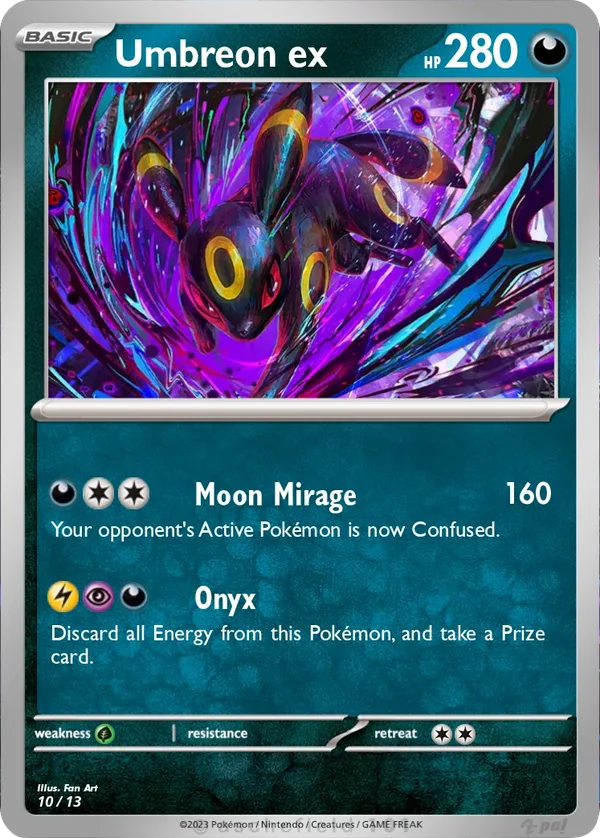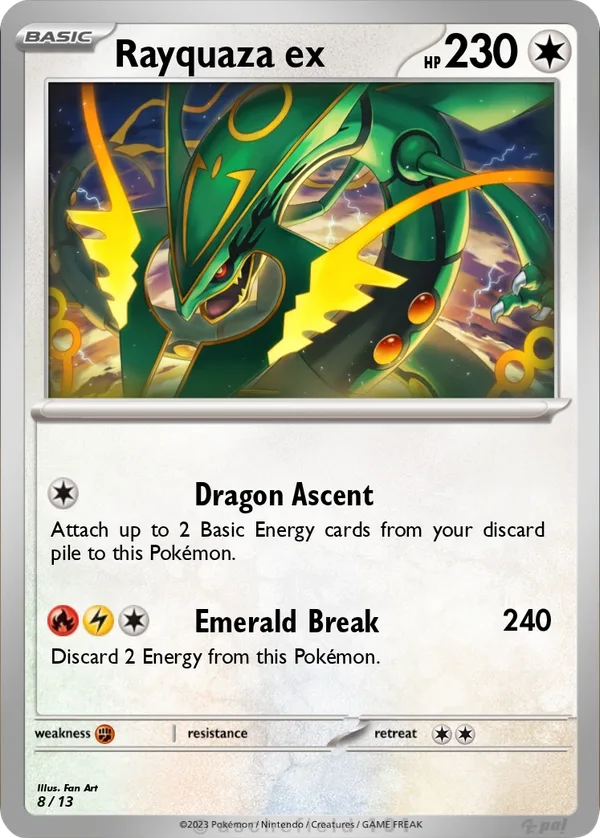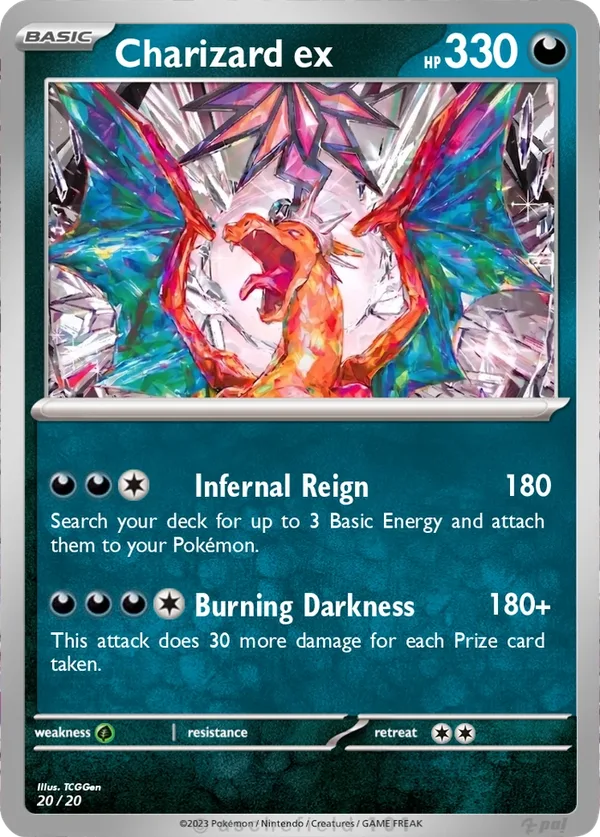
Start with a Scarlet & Violet Pokémon ex frame when you want a modern card with the lowercase ex label. A good design connects the artwork, name, and attacks around one idea. You can try those choices in the live preview as you work. Open the TCGGen Pokémon Card Maker.
Keep the action clear in the frame
Set Card Series to Scarlet & Violet, then choose the lowercase ex frame from Style. In Text, add the Pokémon’s name and HP. Imagine a custom Sawsbuck ex card with an illustration of the Pokémon clearing a path through fresh snow. Start by cropping the picture so the antlers and the curve of the trail stay visible. Look away from the card, then glance back. If the eye goes straight to Sawsbuck, the artwork still has a clear subject even when the frame shares space with the name and HP.
Write an attack the picture sets up
Give the snowy trail a job in the design. An attack called Winter Path could let the player move an Energy from one of their Benched Pokémon to Sawsbuck ex. The name and illustration suggest movement through the snow, while the text tells the player who moves what and where it goes. When drafting the move, read it as if you were on the opposite side of the table. If the source or destination of the Energy is unclear, spell it out.
Proof the card before you keep it
Check the card name, HP, and attack text in the live preview. Then download a high-resolution copy for free and view it at about 63 × 88 mm, the size TCGGen uses for printed Pokémon cards. If the rules text only reads when you zoom in, simplify the wording or shorten the attack name. For an overview of the editor and print finishes, see the Pokémon Card Maker guide.
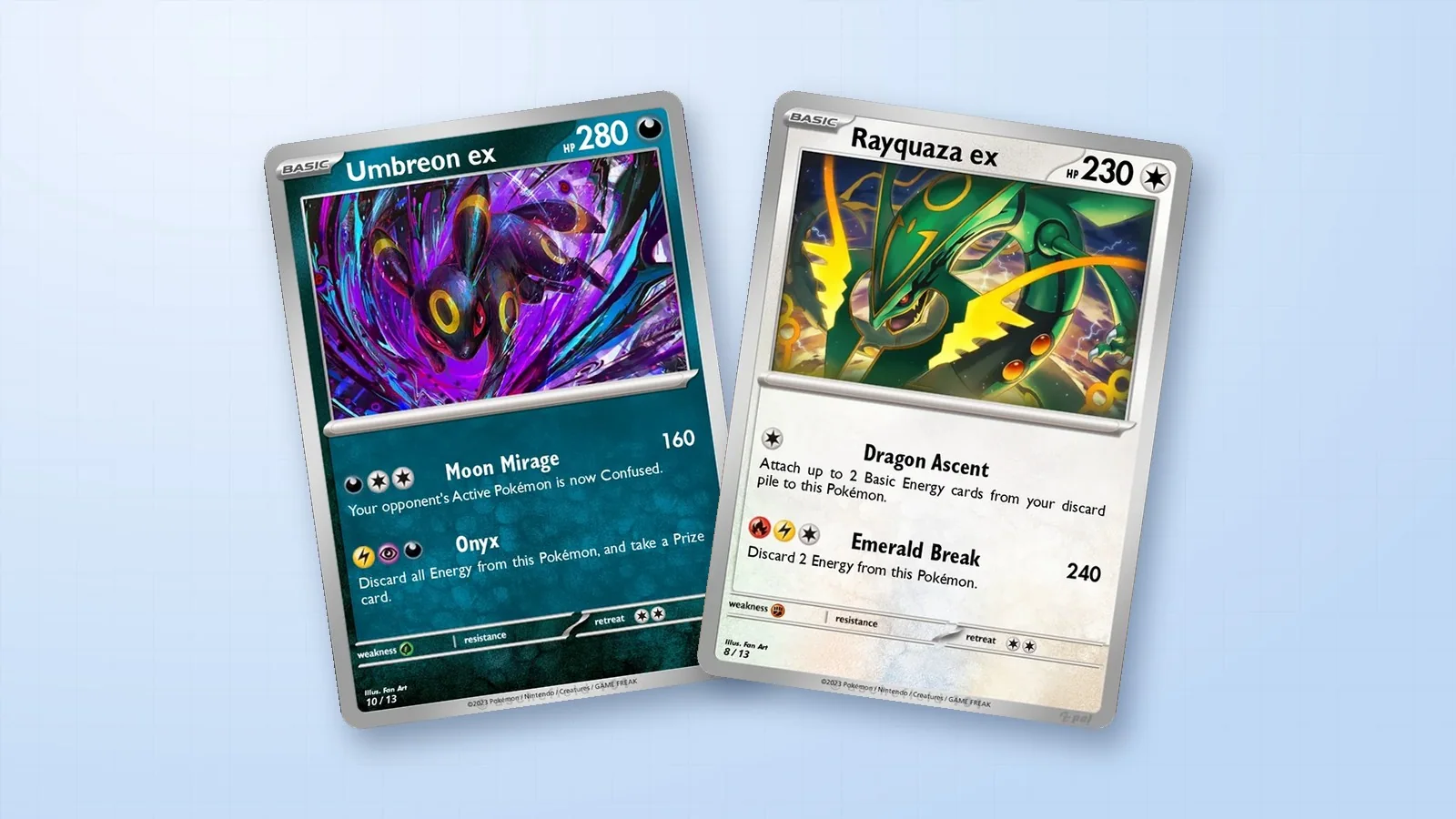
Pokémon ex inspiration from the TCGGen Library
Compare the artwork crops and the space each card leaves for its attacks in the examples below.
Umbreon ex · Rayquaza ex · Charizard ex