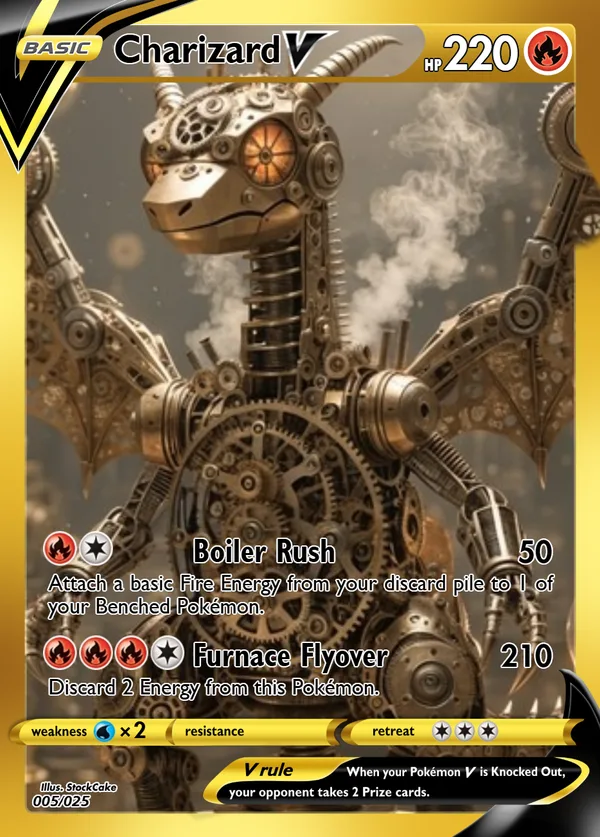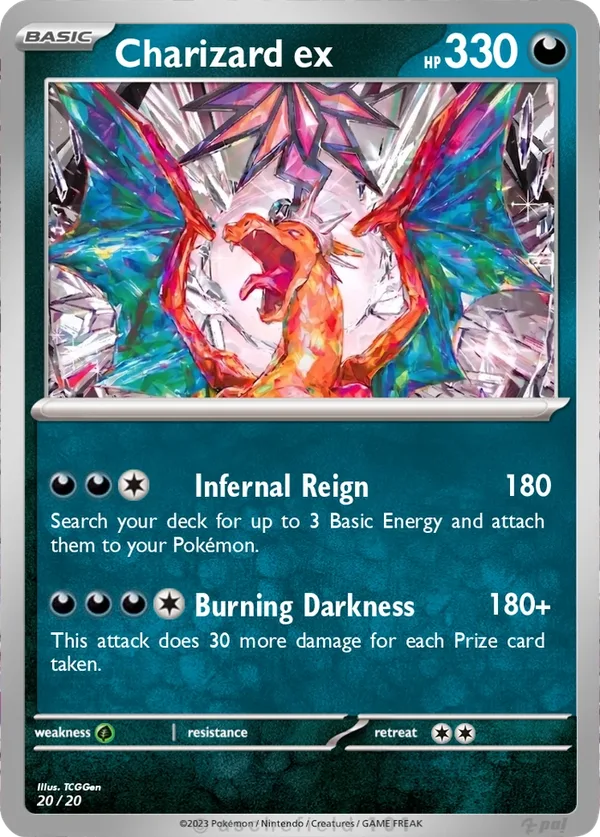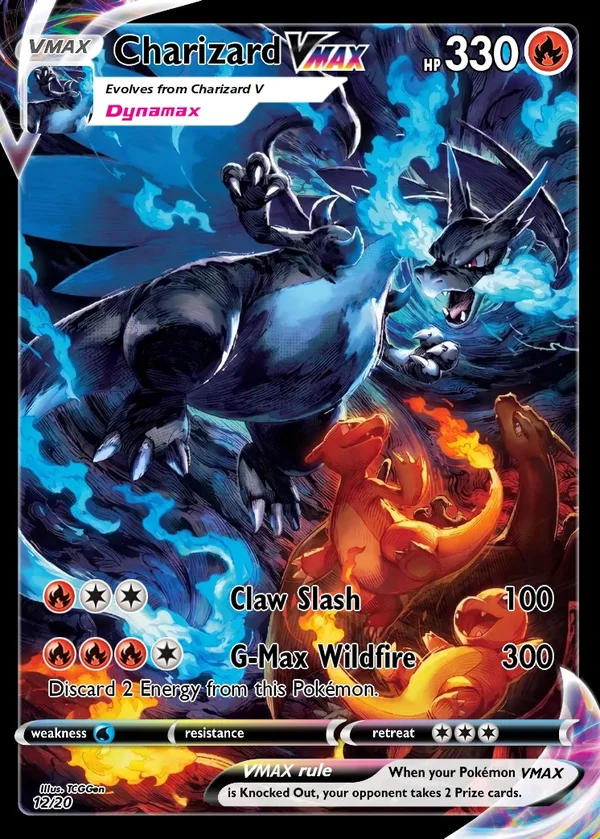
One Charizard illustration can lead to three very different cards. Choose V or VMAX for a Sword & Shield layout, or a lowercase ex frame for a modern Scarlet & Violet design. To see how the frame changes your card, start with the same scene in each version. Open the TCGGen Pokémon Card Maker.
Charizard V: Show the approach
Imagine Charizard flying toward a ridge as the first lightning hits. Set Card Series to Sword & Shield and select the Pokémon V frame under Style. Try a wide crop that shows where the Pokémon is headed. Keep its face and wings clear, then give the first attack a name that fits the motion, such as Ridge Dive. The trail below the wings makes direction easy to read even in a small image.
Charizard ex: Bring the viewer closer
Use the Scarlet & Violet ex frame for a second take on the same scene. Move closer to the ridge and keep Charizard’s head and one wing in view. An attack called Stormbreak can carry the story now that the lightning is closer. Check the name, HP, and lower text against the crop in the live preview.
Charizard VMAX: Make scale part of the scene
Try a Sword & Shield VMAX layout when you want the same encounter to feel much larger. Use Charizard V as the Pokémon it evolves from. Put a line of tiny trees along the ridge so readers have a reference for Charizard’s size. Keep the main silhouette clear and leave room for the text to read at card size. Export your favorite for free and proof it at 63 × 88 mm if you plan to print. For a walkthrough, see the Pokémon Card Maker guide.
Charizard examples from the TCGGen Library
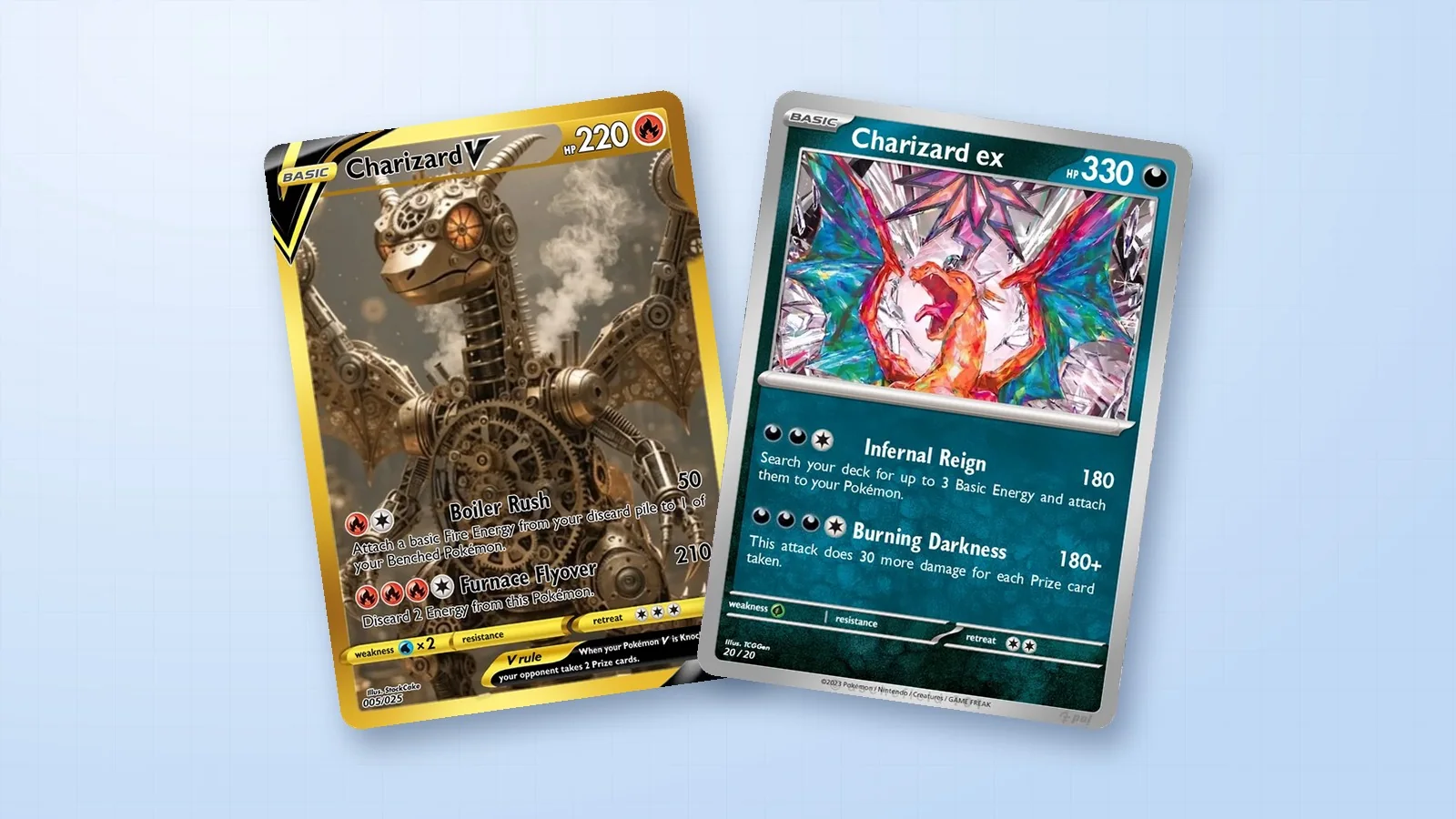
Compare the library cards below for artwork scale and layout. Pick one detail from the examples to try in your own version.
Charizard V · Charizard ex · Charizard VMAX