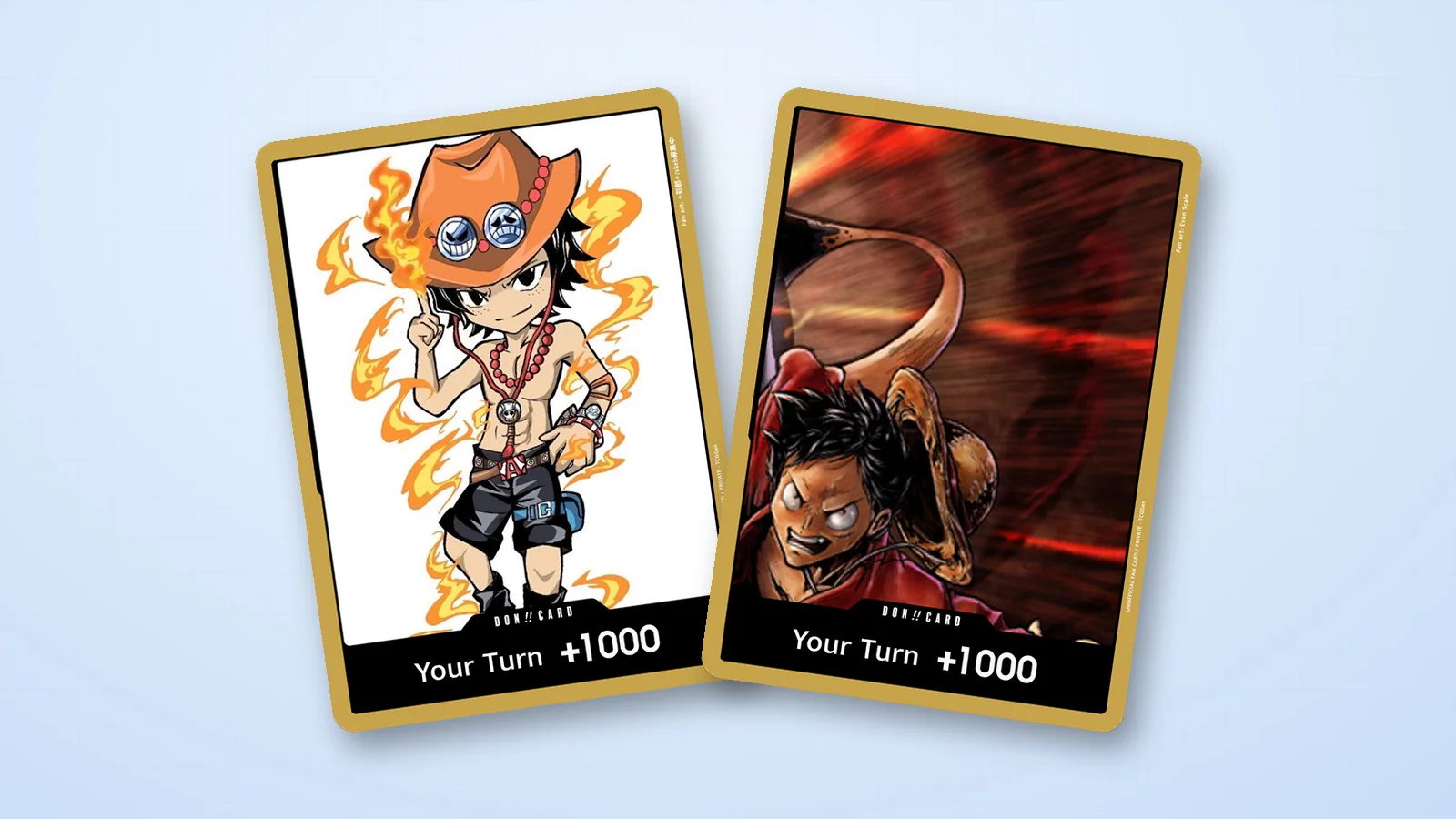
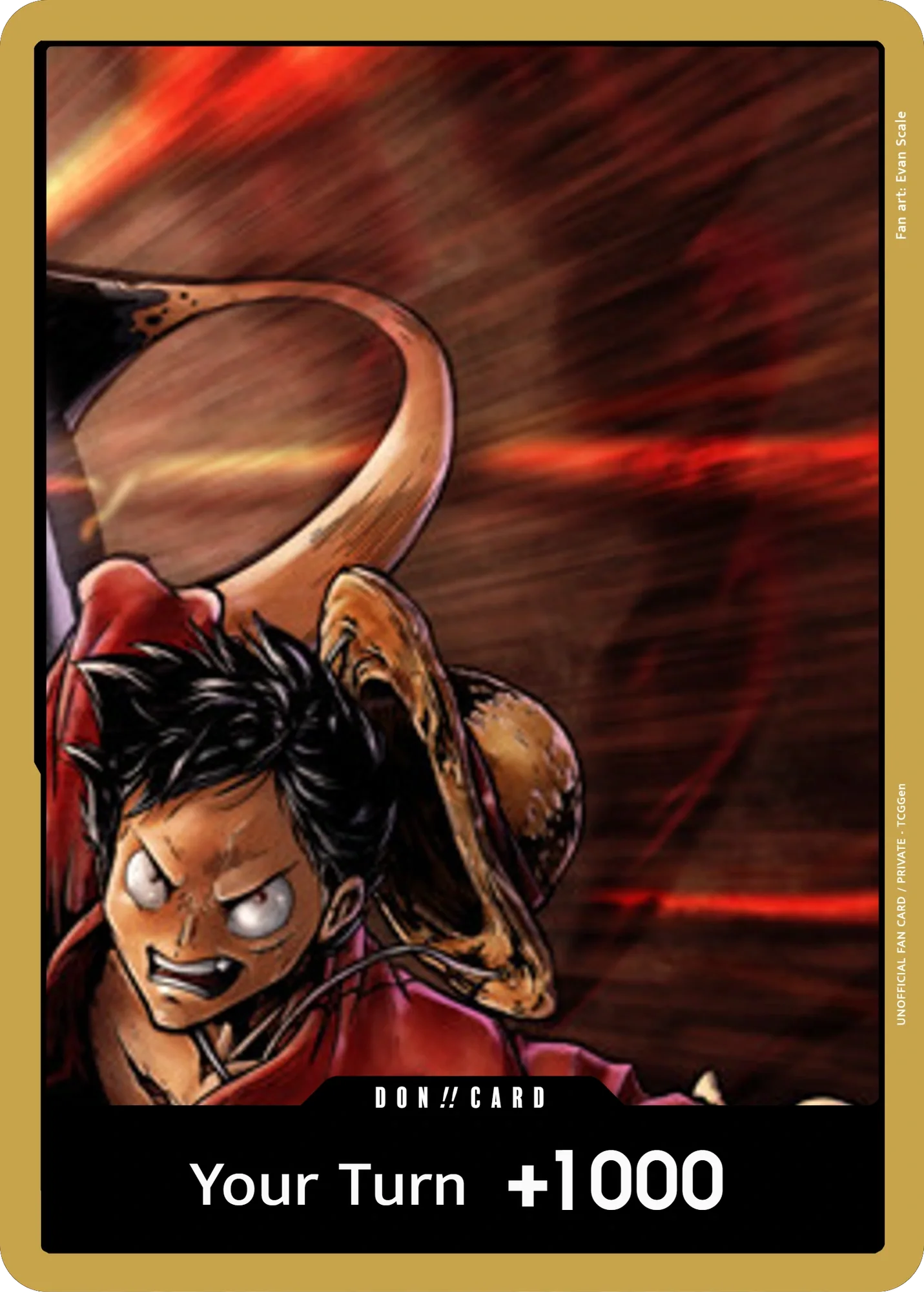
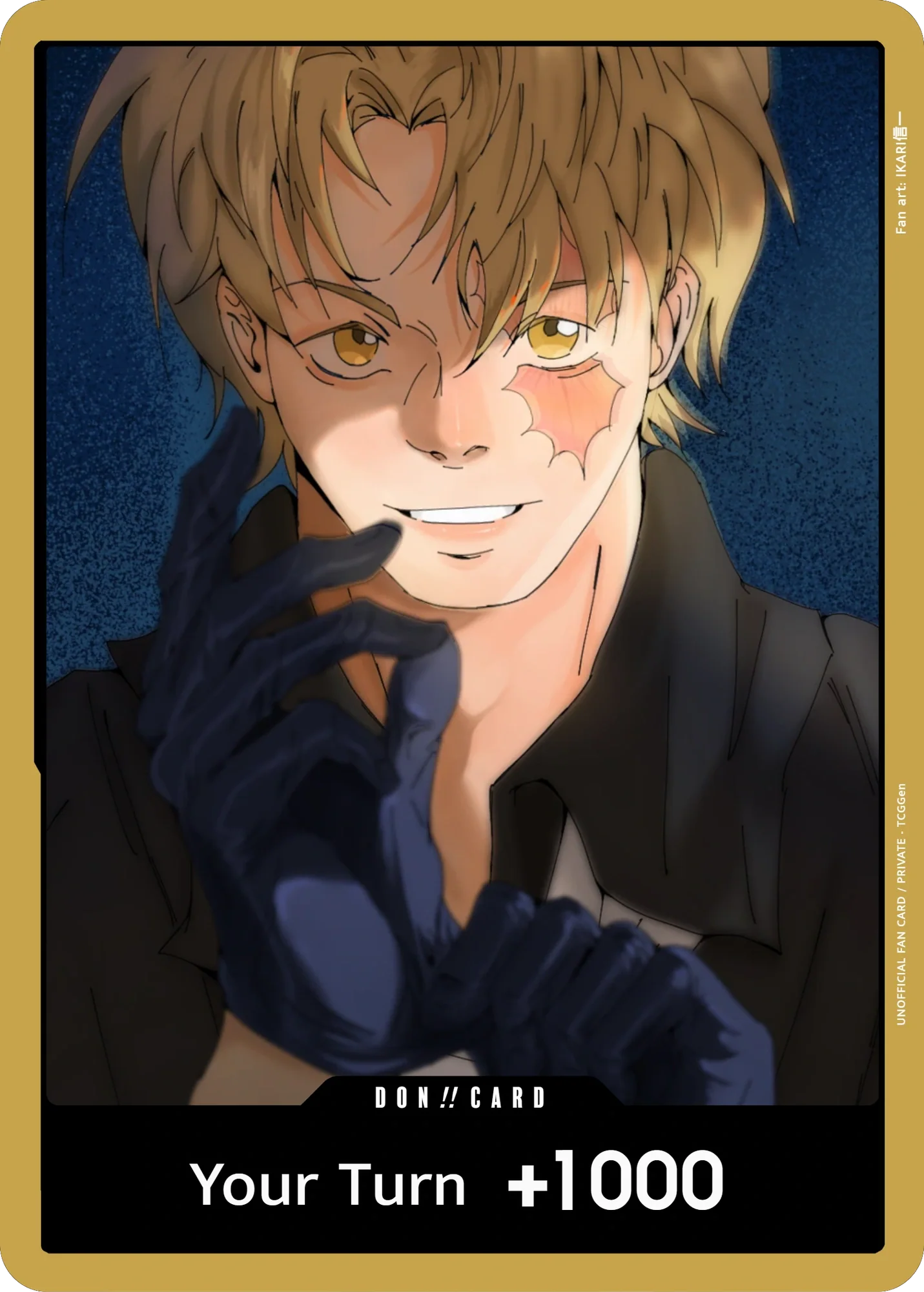
Put Ace, Luffy and Sabo face up in a row. On these three custom DON!! cards, the brothers have different portraits and the bottom of every card reads Your Turn +1000. That combination makes a good design brief. Give the player a character they want to see, then make sure they can find the same resource information on every copy.
Choose the DON!! layout before cropping
Open the TCGGen One Piece Card Maker and start with the DON!! card layout. Use the portrait area to tell one small story. The Ace example has room for his hat, bead necklace and the flames around his body. Luffy leans into the lower left of his illustration, with red streaks sweeping across the space above him. Sabo fills the window with his face and a dark gloved hand. Try a full figure, an action pose and a close portrait before picking your crop.
Give the number a clear edge
Set your illustration above the printed bonus and keep the strongest contrast around the letters and digits. Look at the three examples again. Their gold borders connect the set even though one background is white, one is red and one is blue. A common border or a consistent placement of the main figure can make a small batch feel like it belongs together.
Check the card under a Leader
Take a paper proof and slide it under a Leader as you would during play. Leave the bonus visible. A 5000-power Leader with one attached DON!! reaches 6000 on your turn. Slide a second copy underneath and check that you can tell at a glance how many are attached. On your opponent’s turn, the printed bonus no longer applies.
Finally, fan the three portraits in your hand. Can you recognize each character from the narrow slice of artwork that shows? Adjust the crop before exporting at 63 × 88 mm. The One Piece Card Maker guide covers the final file.
Three custom DON!! cards
DON!! Card · DON!! Card · DON!! Card
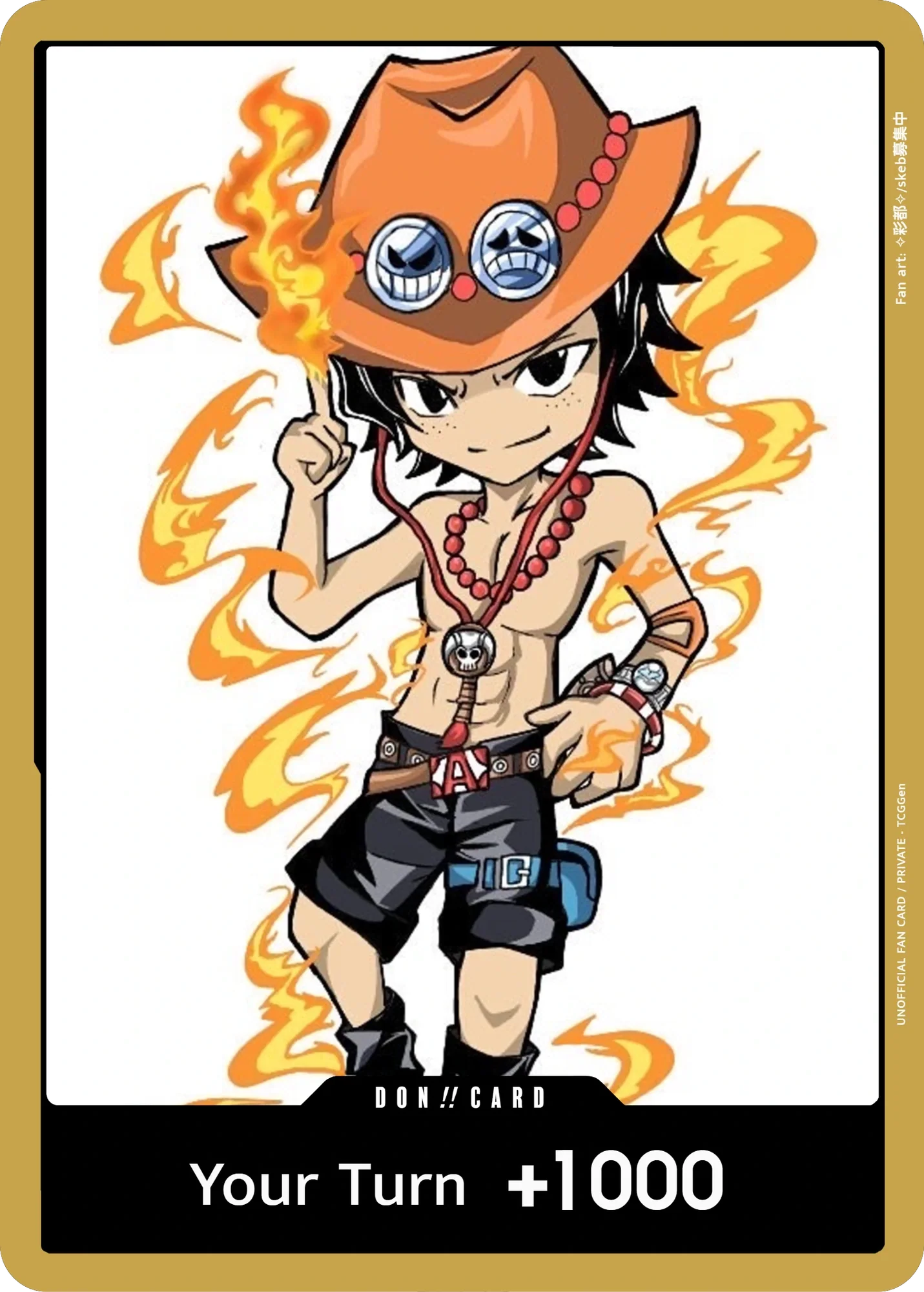
DON!! Card — ✧︎彩都✧︎/skeb募集中 (名だたる海賊団の船長たち)
DON!! Card — Evan Scale (Monkey D. Luffy — ONE PIECE Fanart Collection)
DON!! Card — IKARI信一 (サボ君♥️)