A custom One Piece card can turn a favorite character moment into something you can share and print. Start with a scene you can recognize at a glance, like a crew member pointing out a narrow passage just before a storm hits. Open the TCGGen One Piece Card Maker to build the card around that moment.
Decide what your card does
Choose a Leader, Character, Event, Stage, or DON!! card. Start from a real card template or build from scratch. If you’re using a Character frame, set its cost, power, counter, and attributes to suit its role. Imagine a Character called Windward Lookout who spots a way around the storm. You might write an On Play effect that lets the player draw one card, then put one card from their hand on the bottom of their deck. The sequence gives the player a small decision and fits a character who helps a crew find a better route. Give each sentence in the effect a job of its own. Start with when it happens, then say in order what the player can do.
Compose the artwork around the action
Upload your illustration and use the card frame to check the crop. For Windward Lookout, you might keep the raised hand and a gap in the clouds in view so the gesture makes sense. If the art has a busy background, move the focal point to an area where it has room to stand out. For several cards from one scene, repeat a color or landscape detail so they feel connected. See the TCGGen tutorials for more help in the maker.
Proof the design and choose a print finish
Download a high-resolution copy for free, with no account or watermark. View it at 63 × 88 mm, the size TCGGen prints for One Piece. Read the name and effect without zooming in, then ask someone else to read the effect once. If you have to explain the order of its steps, revise the text. A free TCGGen account lets you save cards and decks to pick up later.
When you’re ready to print, Standard gives you a classic card feel, Black Core blocks light from passing through, and Holo Foil adds a reflective finish. Pick a TCGGen card back or upload your own. Try a single copy if you want to check the crop and finish in hand before printing a set. Compare all three on Card Printing.
Six One Piece cards from the TCGGen Library
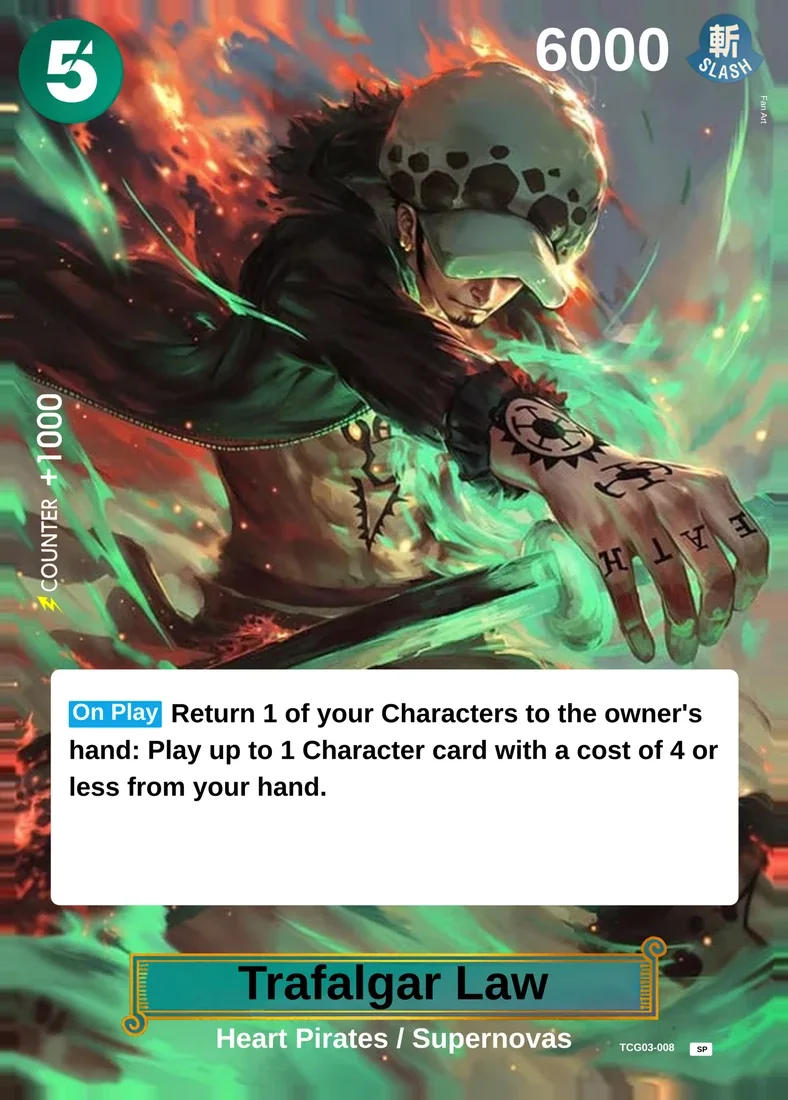
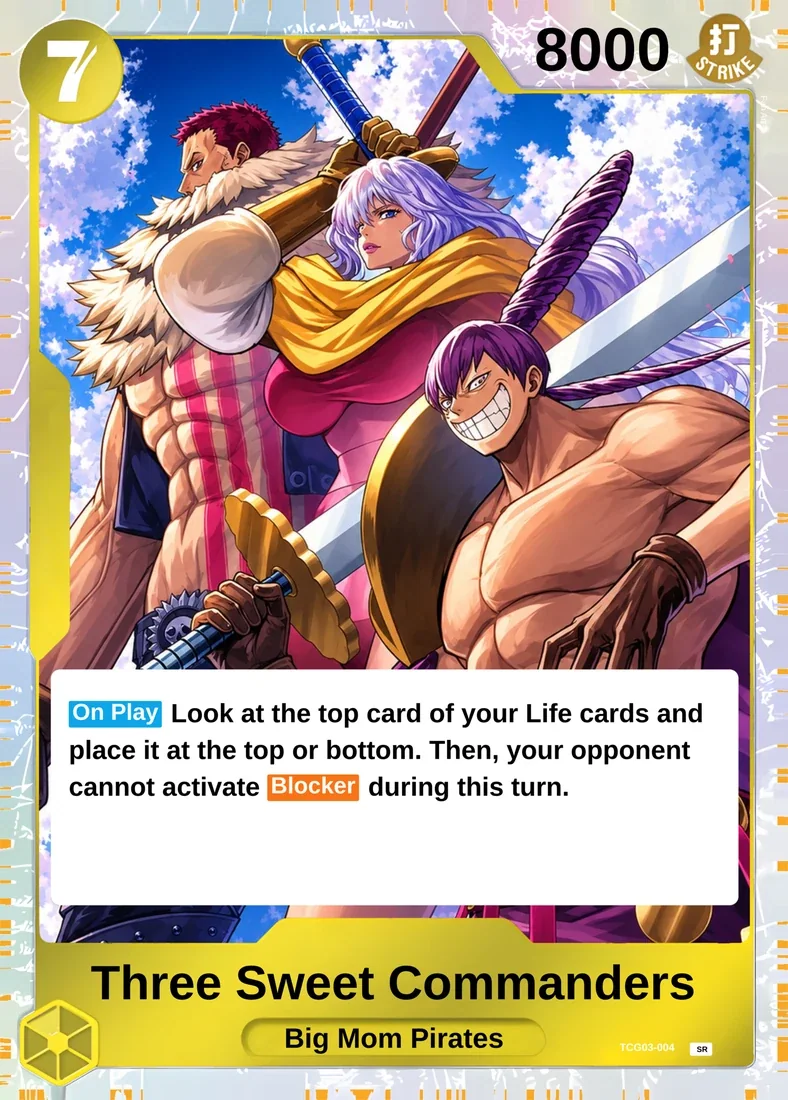
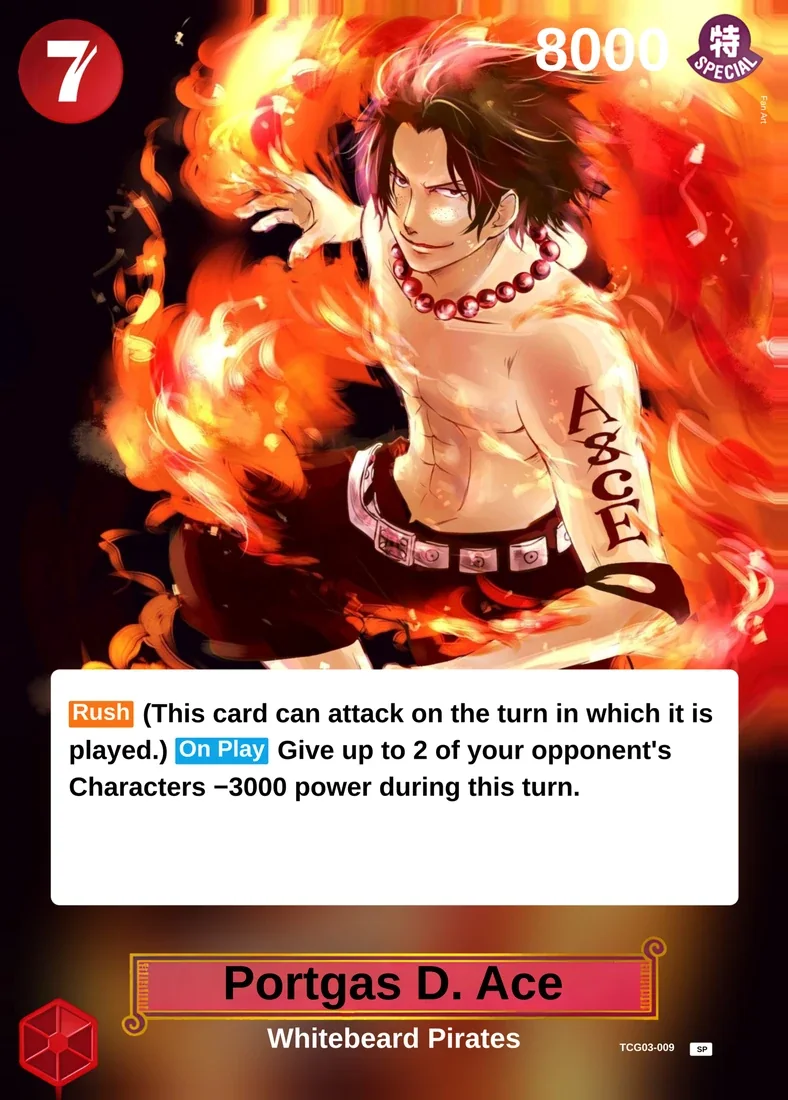
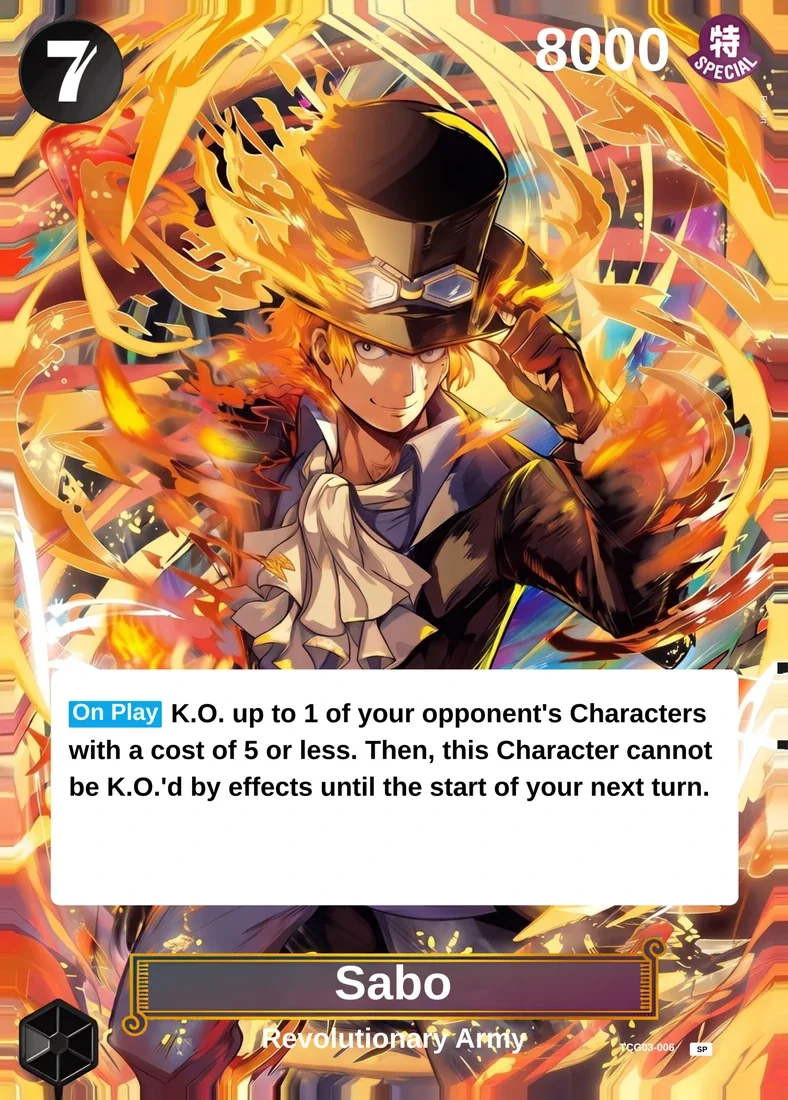
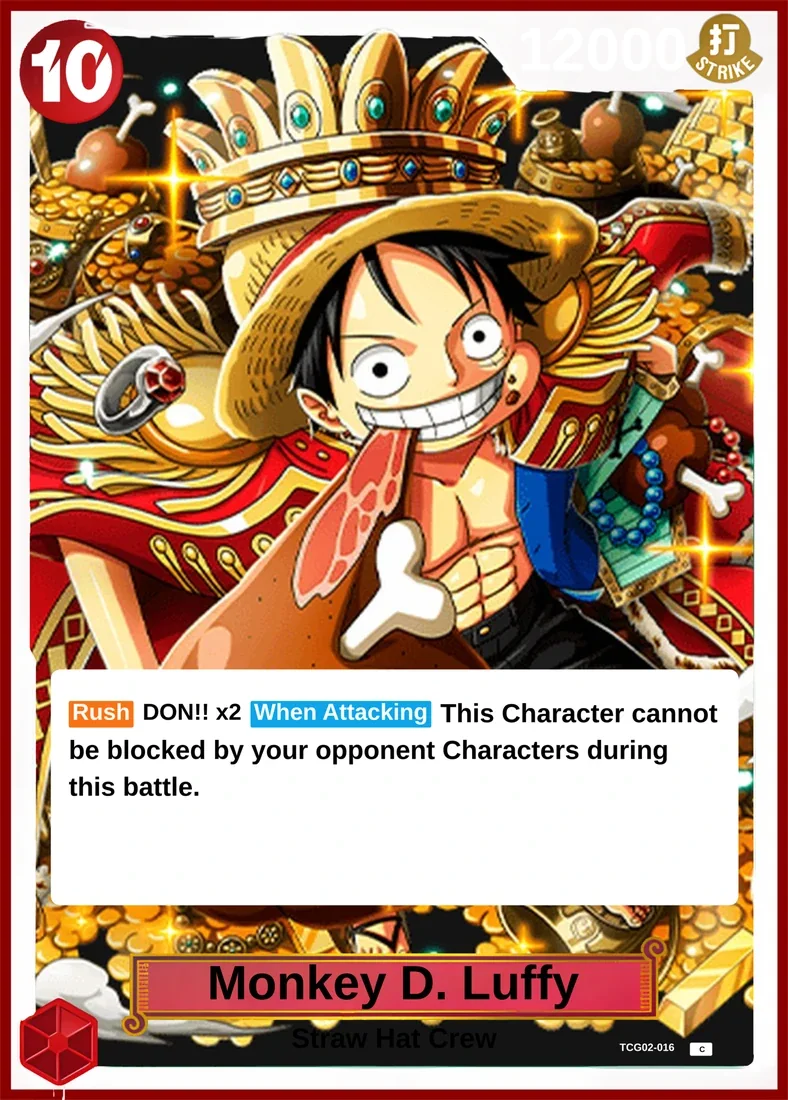
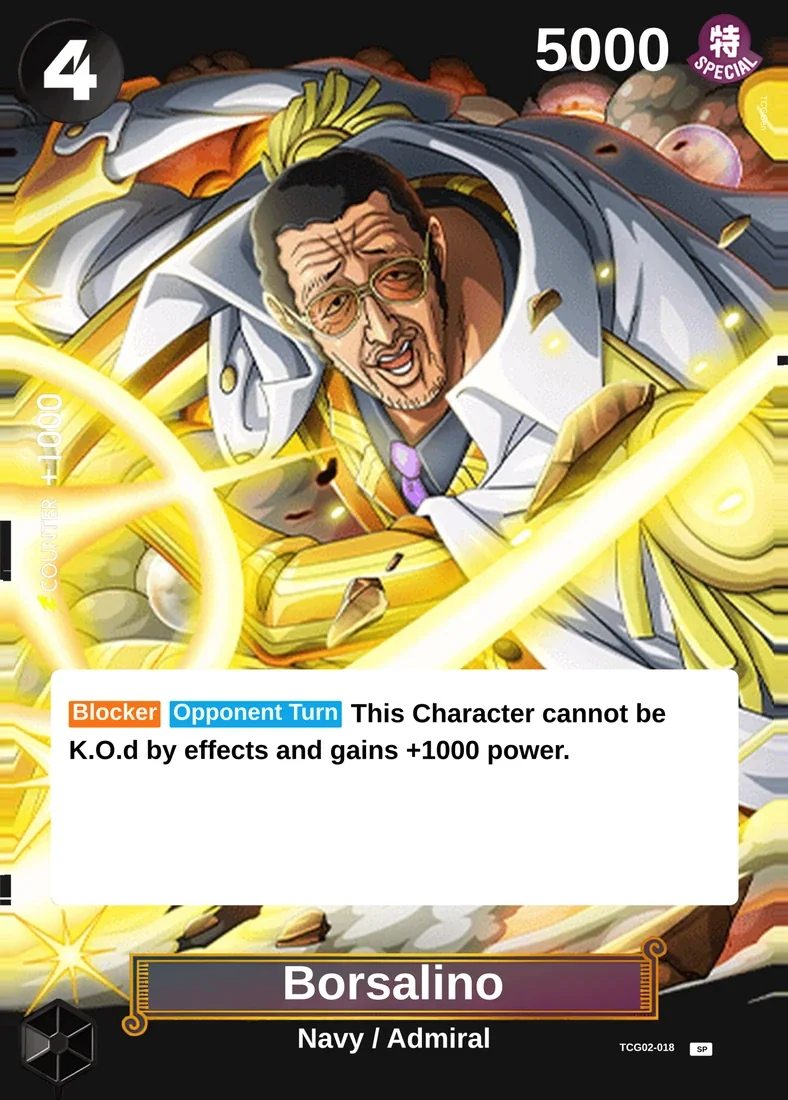
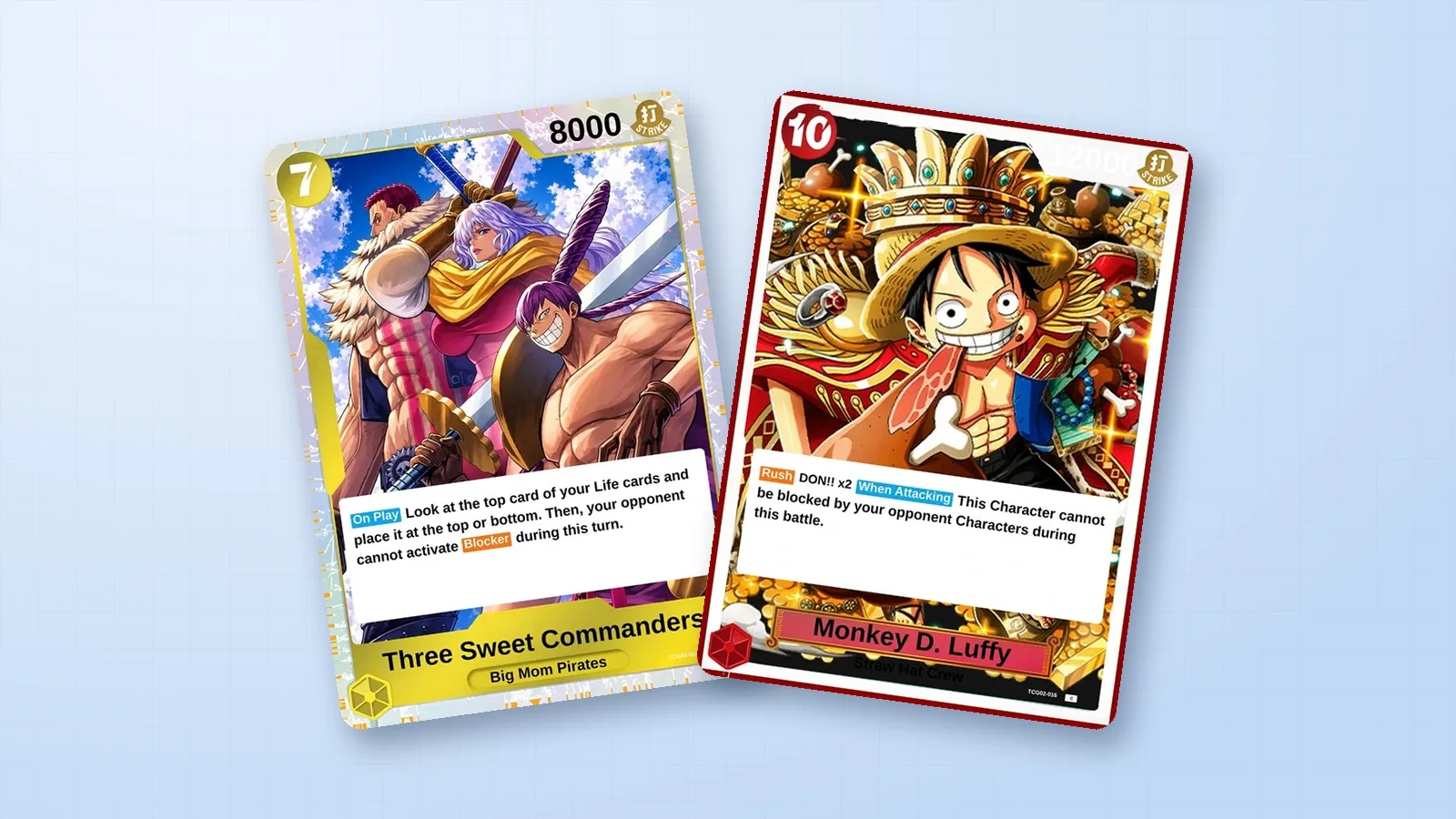
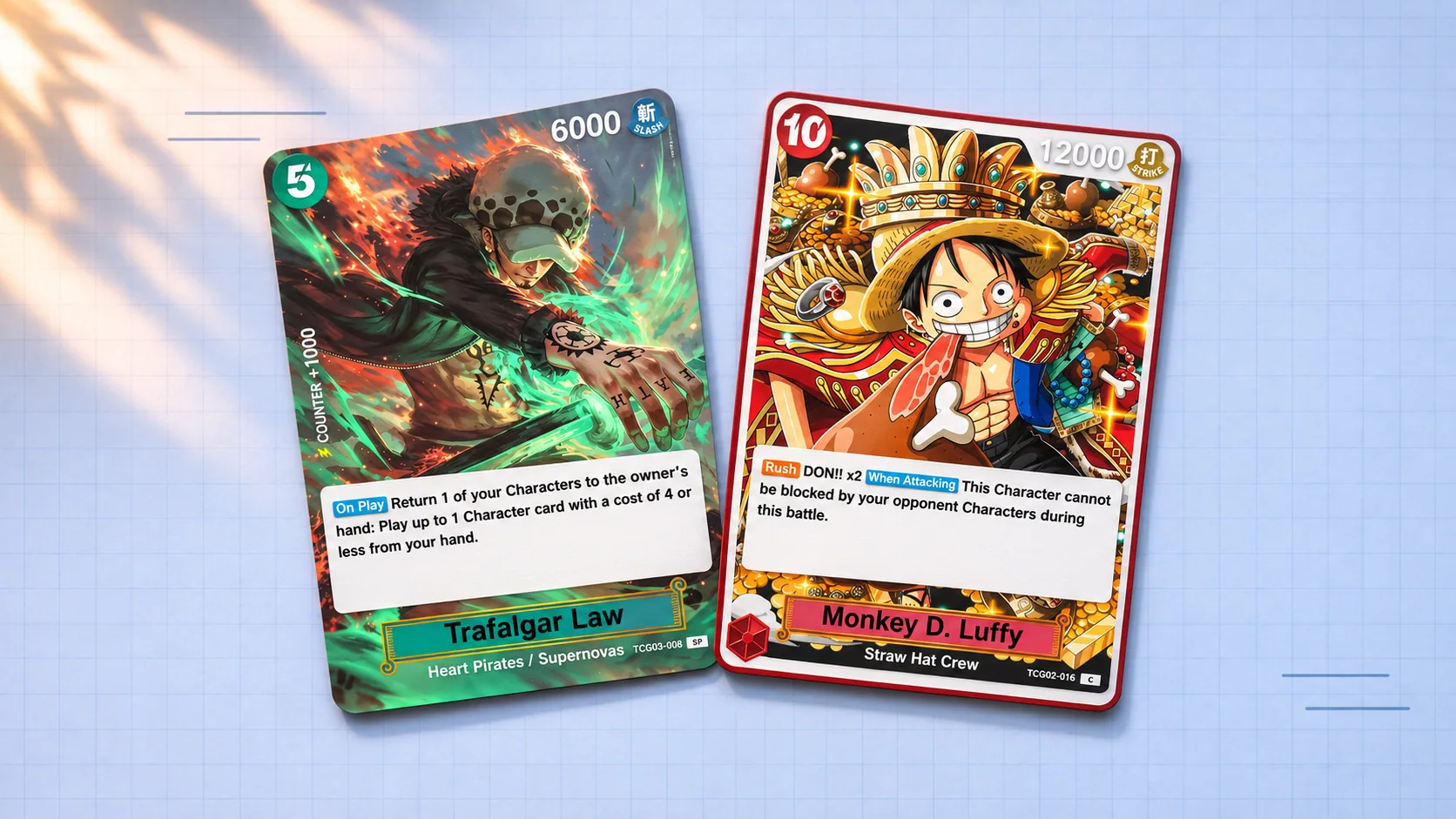
Explore Trafalgar Law (ROOM); Three Sweet Commanders; Portgas D. Ace (Fire Fist); Sabo (Flame Emperor); Monkey D. Luffy (Golden Crown); Borsalino below. Look at how each composition tells you where to look first. Compare a card built around one character with the group scene, then decide which approach suits your own design. See more in the One Piece Library.