A custom Magic: The Gathering card can start with an illustration, a line of rules text, or a moment from your own setting. Before working on the frame, decide what you want a player to do with the card. The free browser editor offers frames from classic borders to recent sets and shows changes in a live preview. Start in the TCGGen Magic Card Maker.
Give the card a job at the table
Imagine a creature named Lanternwatch Captain. You want it to help a player build a small army, so start with a simple effect: “When Lanternwatch Captain enters, create a 1/1 white Soldier creature token.” Try a cost of two generic mana and one white mana ({2}{W}) and give it 2 power and 2 toughness. Play a practice turn with the design in mind. The Captain and its recruit should both be easy to account for as the turn continues.
Use the same exercise for any custom card. Read the rules text aloud and check what triggers the ability, who makes each choice, and what happens when it resolves. If the explanation needs a second paragraph, try keeping the first draft focused on one effect. You can add complexity once the basic idea reads clearly.
Let the artwork carry part of the story
Choose a creature frame, then enter the mana cost, type line, and rules text. TCGGen also offers layouts for planeswalkers, Sagas, and double-faced cards.
For Lanternwatch Captain, picture a scout raising a lantern so a recruit can cross a river at night. Put the lantern and the scout where the eye lands first. Leave space around those details so they stay visible when the illustration is cropped to fit the card. The scene gives the Captain a reason to bring another Soldier with it.
Check the full card in the preview before adding flavor text. A single line of dialogue may do more for the story than another detail in the illustration. Find more help in the TCGGen tutorials.
Proof your design and pick a print finish
Download your high-resolution design for free, with no account or watermark. Inspect it at 63 × 88 mm, the size TCGGen uses for printed Magic cards. Check the smallest text, the edges of the artwork, and whether the text still reads under normal room lighting. A free account lets you save cards and decks if you want to keep refining them. If you order a print, choose Standard for a classic card feel, Black Core for opacity, or Holo Foil for a reflective finish. Compare the options on Card Printing.
Six Magic cards from the TCGGen Library
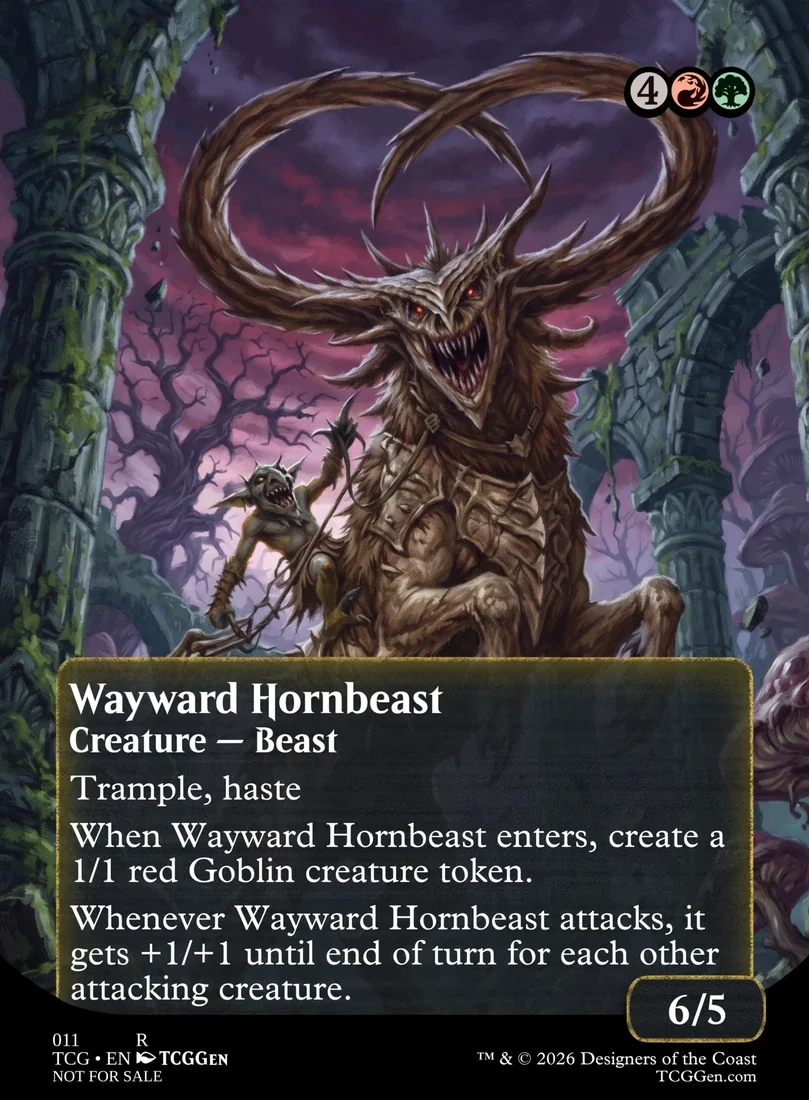
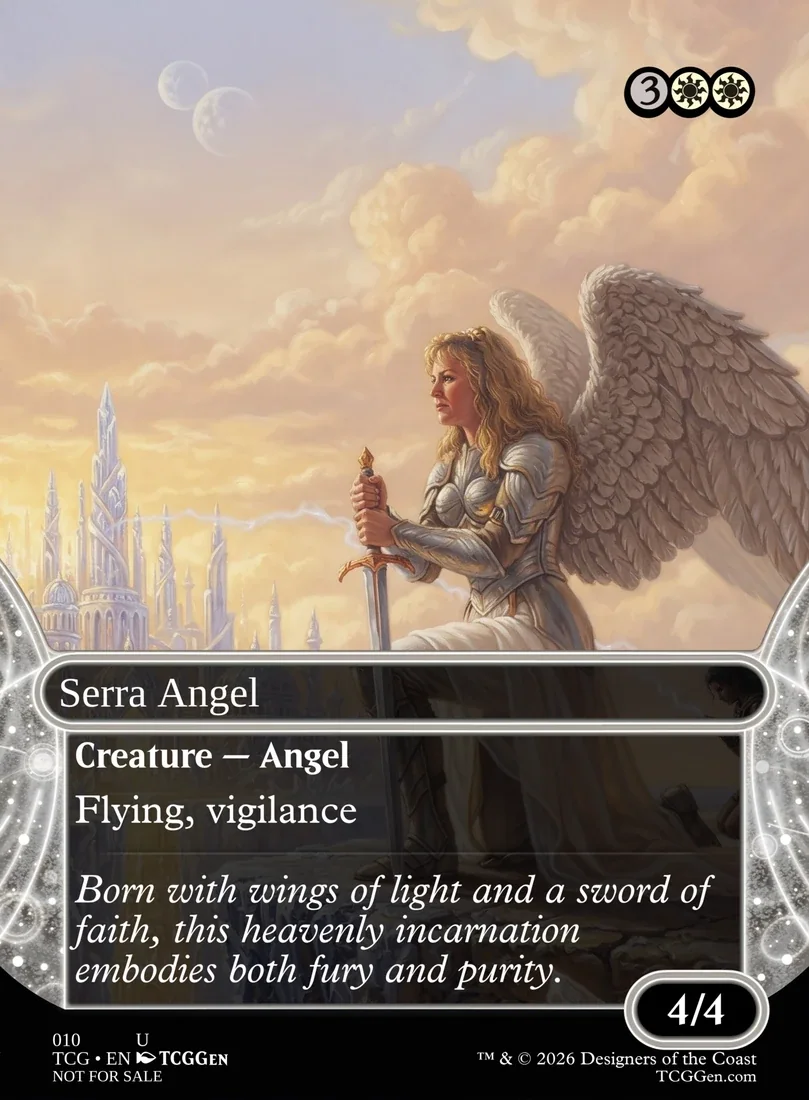
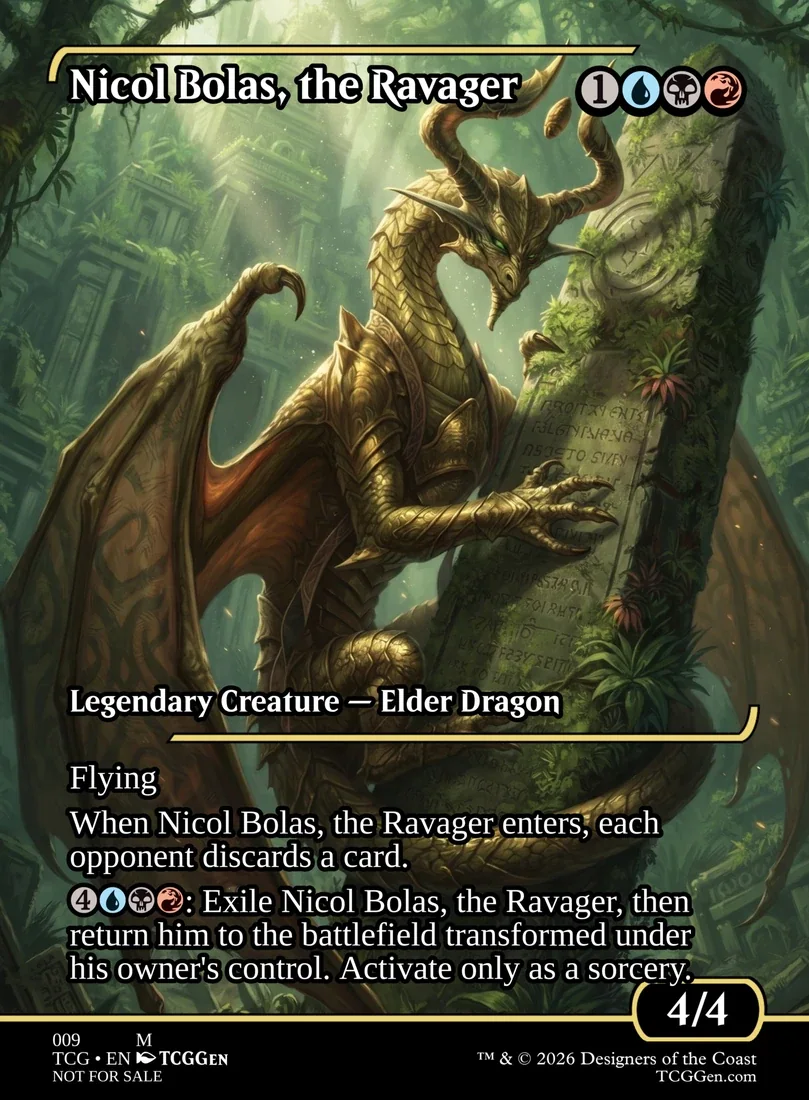
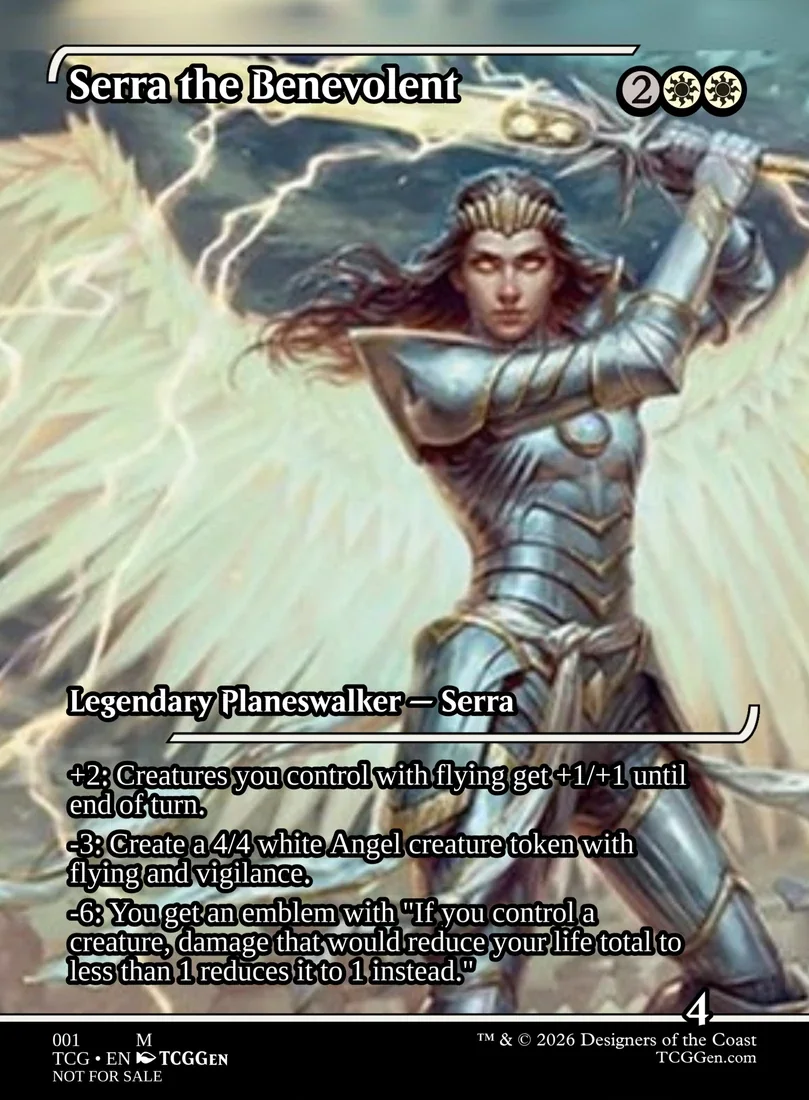
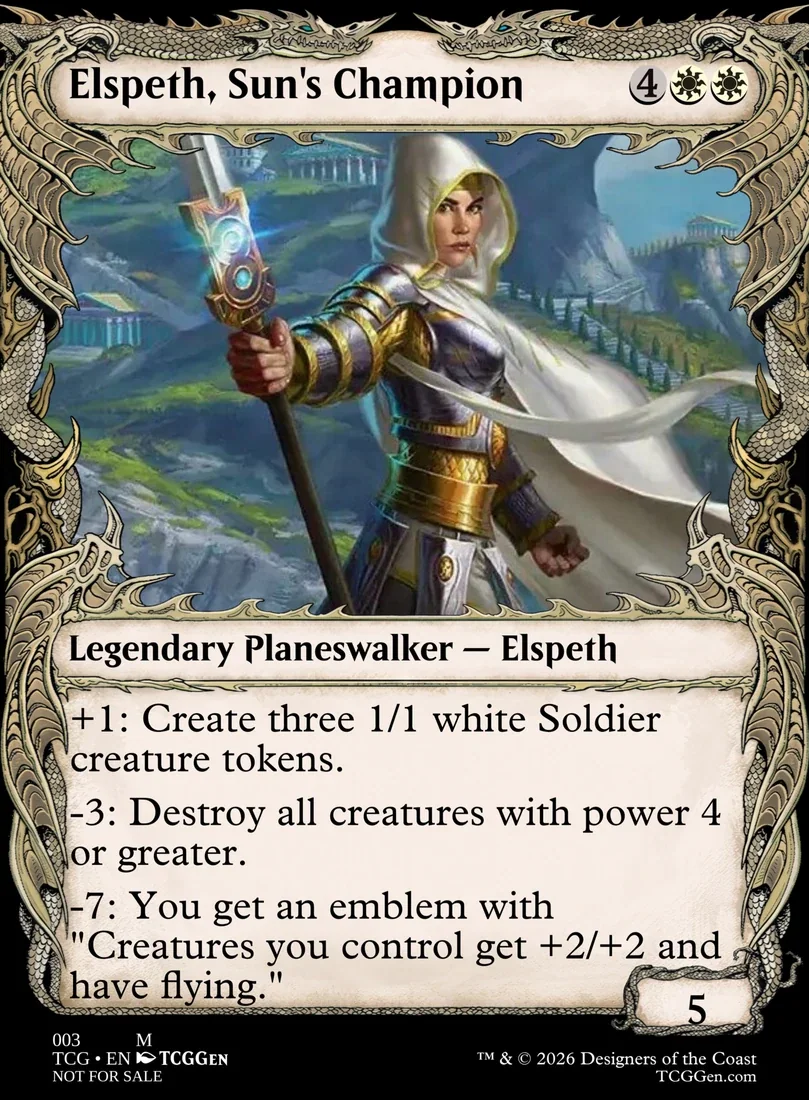
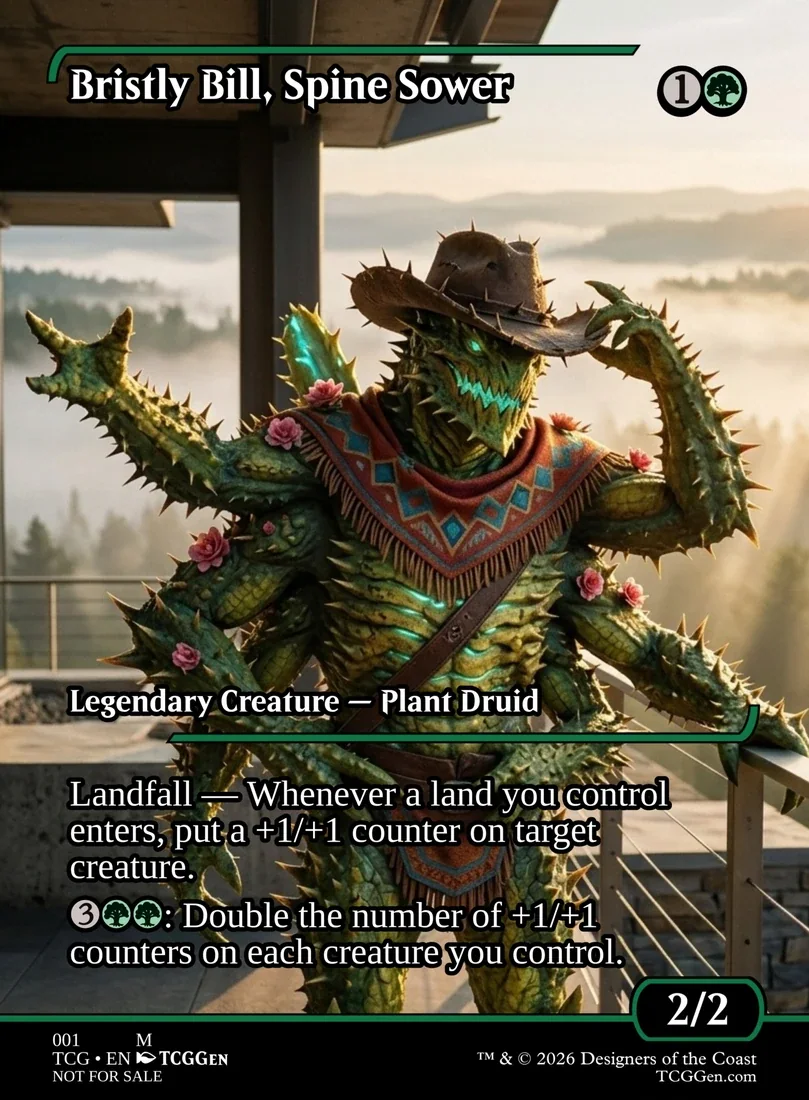
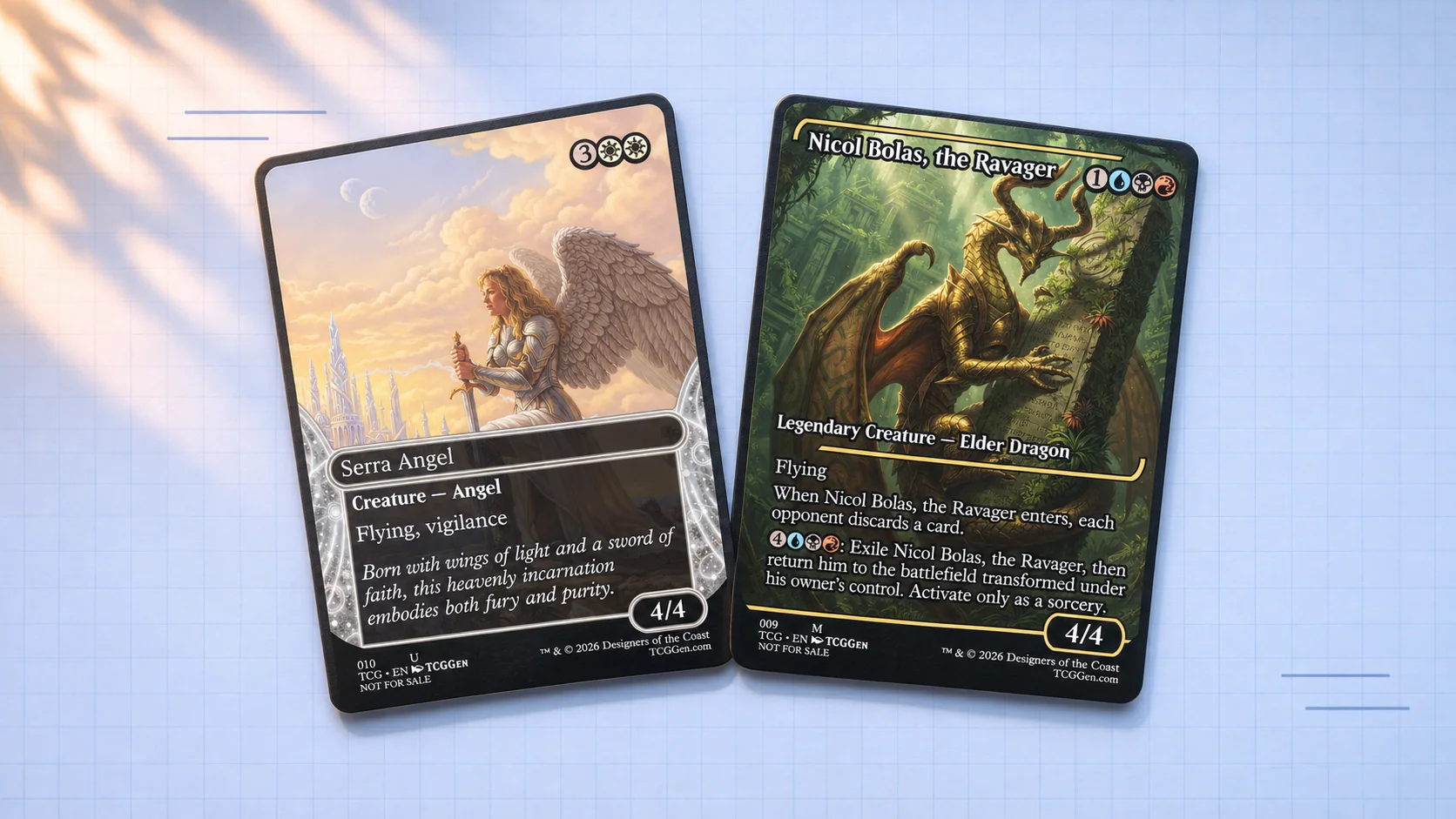
Explore Wayward Hornbeast; Serra Angel; Nicol Bolas, the Ravager; Serra the Benevolent; Elspeth, Sun's Champion; Bristly Bill, Spine Sower below. Compare how the cards balance their names, artwork, and rules text, then try one of those layout choices on a design of your own. Find more ideas in the Magic Library.