Start a Character card with a moment you can picture. A fighter might catch a falling mast, a lookout might warn the crew, or a doctor might reach an injured crewmate. Use that action to decide what your card asks the player to do. Choose Character in the TCGGen One Piece Card Maker.
Give the card a role
Fill in the cost, power, counter and attribute. Consider the four values together. A Character built around one useful arrival effect should make sense beside the other cards you imagine for the crew. Try reading the card as a player with a limited choice of cards in hand. Its cost and effect should tell you when you would want to play it.
Keep the effect in play order
Imagine an original Cove Salvager who returns from a wreck with a useful item. An example On Play effect might say, “Draw 1 card, then place 1 card from your hand at the bottom of your deck.” That sequence spells out which action happens first and gives the player a choice at the end. In your own effect, use a new sentence when the timing changes or when another player has to act.
Fit the scene to the frame
Crop around the moment that explains the Character. For Cove Salvager, keep the raised object and the reach of the arm visible so the viewer can follow the action. Then look at the card at actual size and read the name, values and effect once without zooming. Tighten the crop or shorten the line that slows you down.
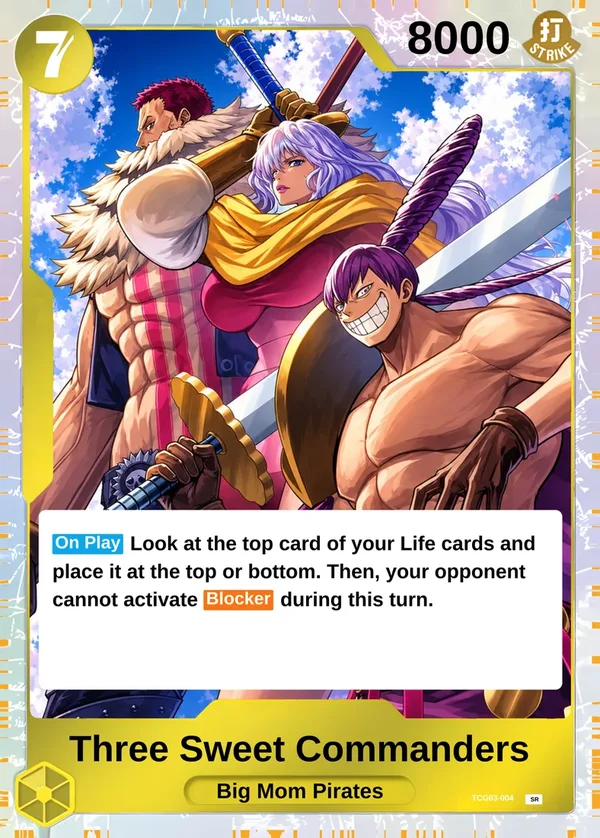
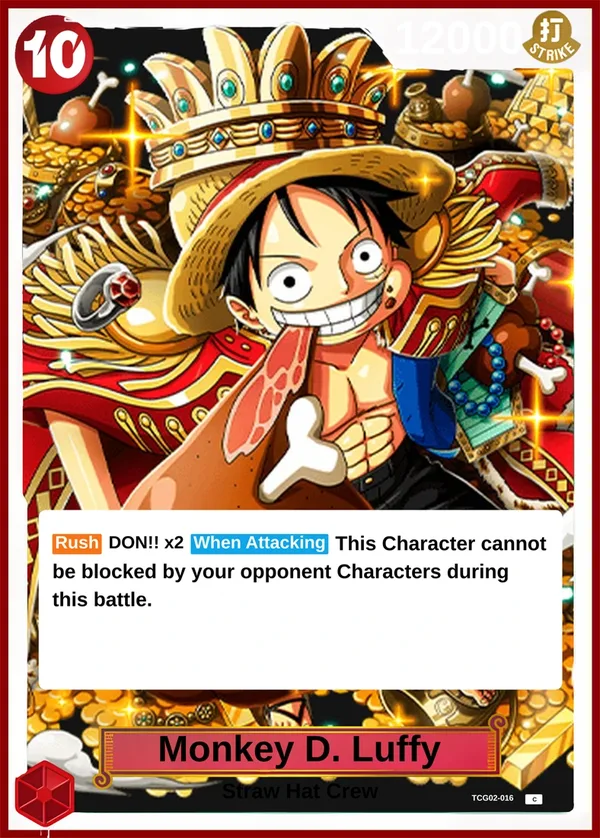
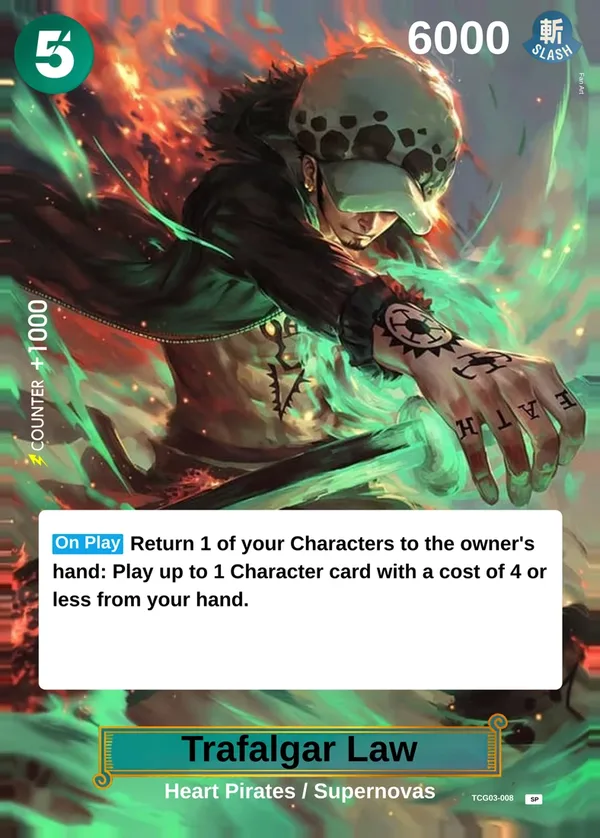
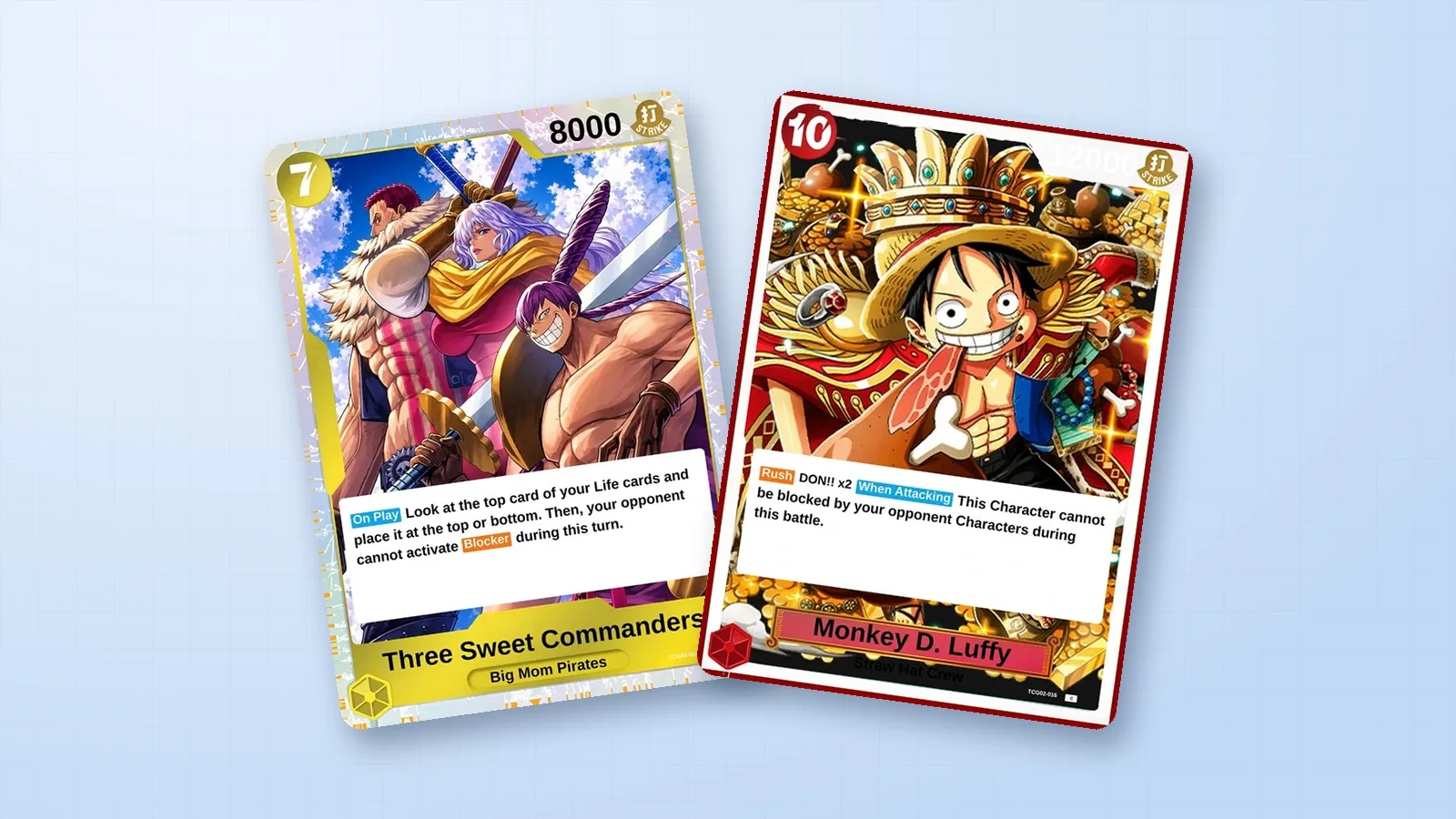
Compare the group composition of the Three Sweet Commanders with the single character compositions for Luffy and Law below. For help choosing a card category and downloading your work, use the One Piece Card Maker guide.
Three Sweet Commanders · Monkey D. Luffy (Golden Crown) · Trafalgar Law (ROOM)