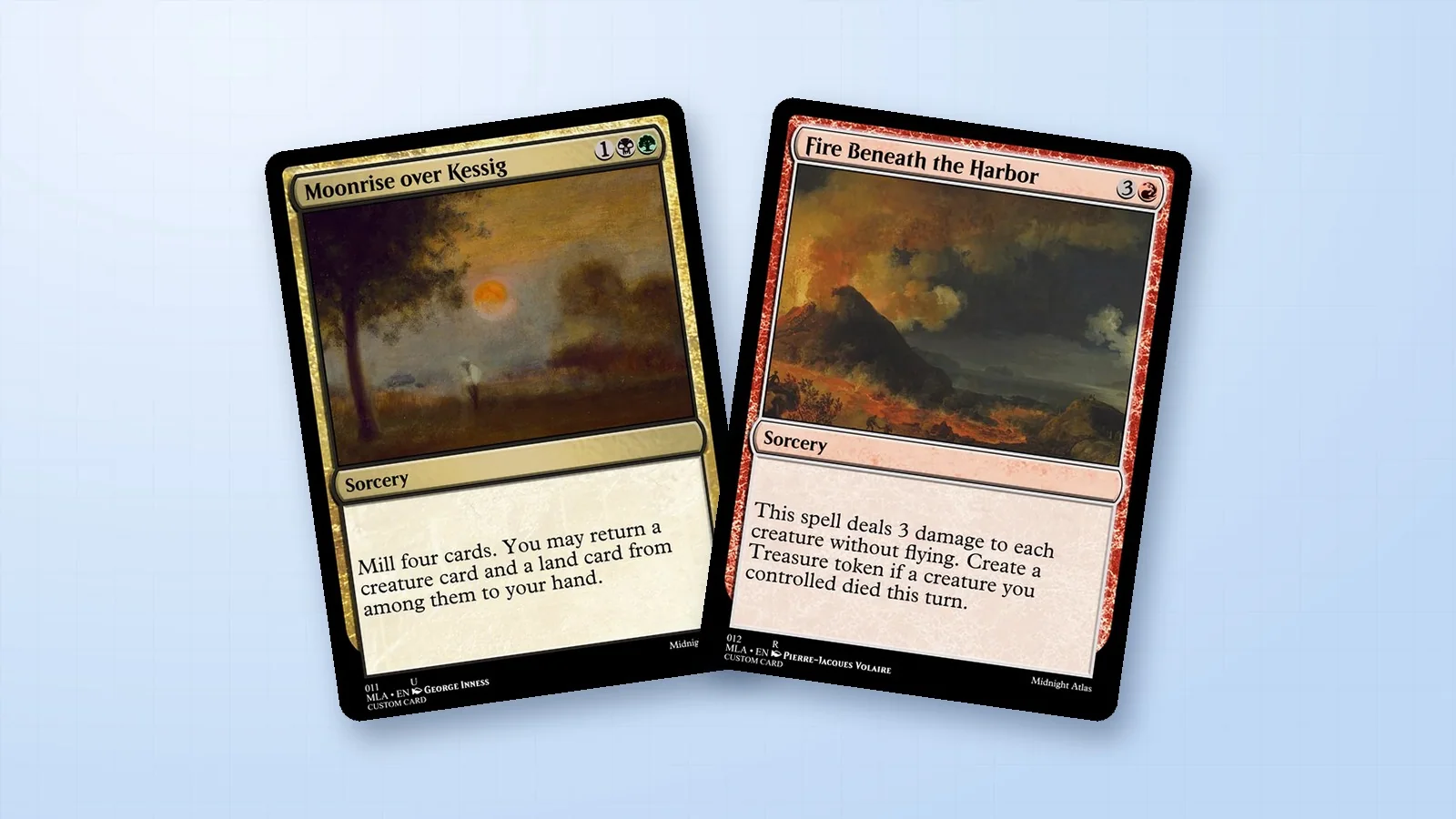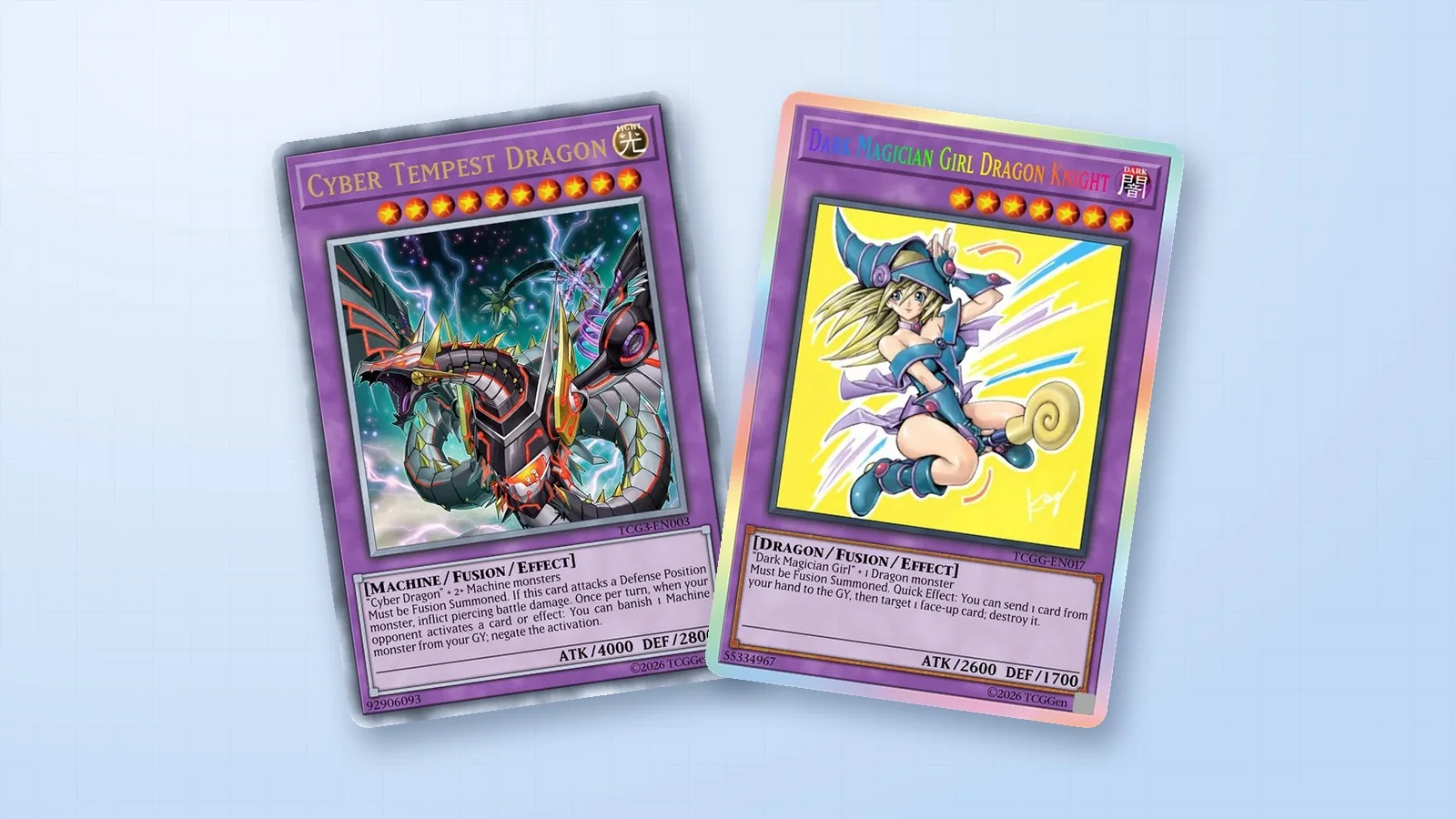
A Pokémon V card from the Sword & Shield era starts as a Basic Pokémon. It can be put on your Bench without evolving first, so it’s a useful frame for a character you want to introduce without an evolution line. Build yours in the TCGGen Pokémon Card Maker.
Give the card a role from turn one
Set Card Series to Sword & Shield. In Basic, choose Pokémon as the Card Category, select an element, and pick the Pokémon V frame under Style. In Text, fill in the name and HP. For this example, imagine Heliolisk V as a Lightning Pokémon that stores sunlight before releasing it in one big attack. Keep the V name treatment and HP visible as you edit.
Make the two attacks work together
Open Moves and start with the cheaper attack. Solar Receiver could do 30 damage for one Lightning Energy and let you attach a Lightning Energy from your discard pile to this Pokémon. Give the second attack a reason to use what the first one stores. Desert Discharge could do 140 damage for two Lightning and one Colorless, then discard a Lightning Energy from this Pokémon. Read the two effects in order. The first prepares the second, and the second resets the cycle.
Leave room for the text in your artwork
In Artwork, upload your illustration. Place Heliolisk against a clear sky and leave the lower part of the scene quiet so attack names and Energy icons are easy to read. Download the design and inspect it at 63 × 88 mm, TCGGen’s Pokémon print size. If you want a printed copy, compare finishes on Card Printing. For the full editor workflow, see the Pokémon Card Maker guide.
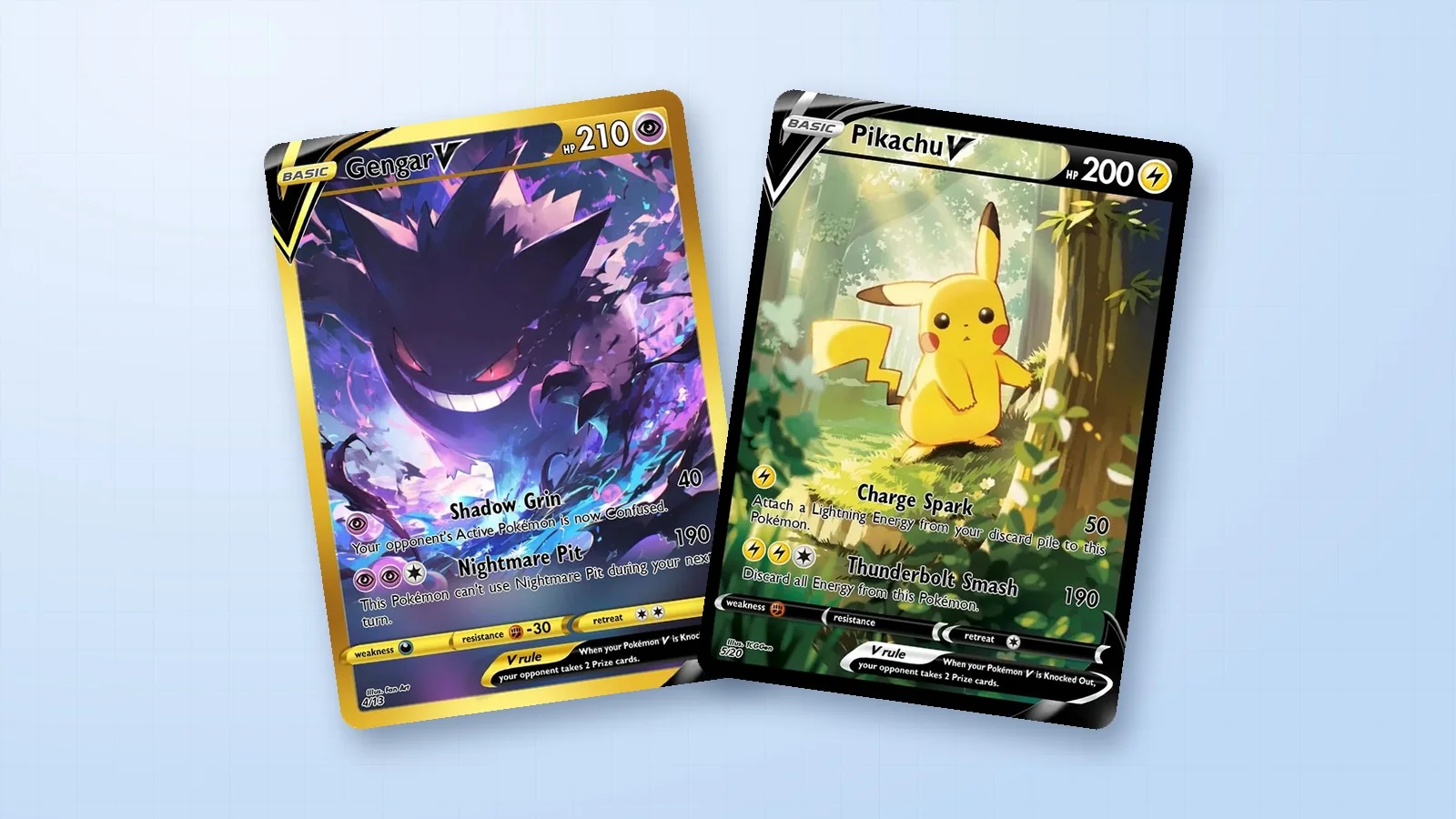
Three Pokémon V cards from the Library
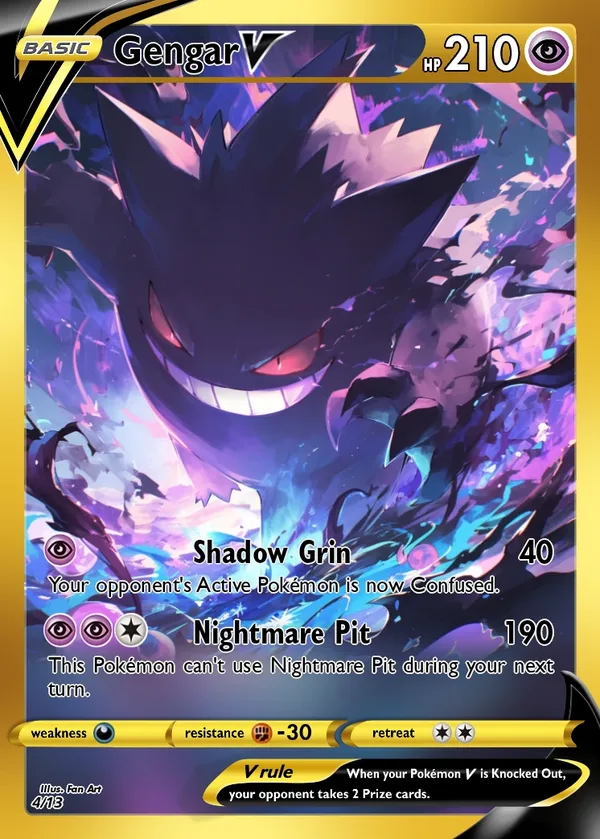
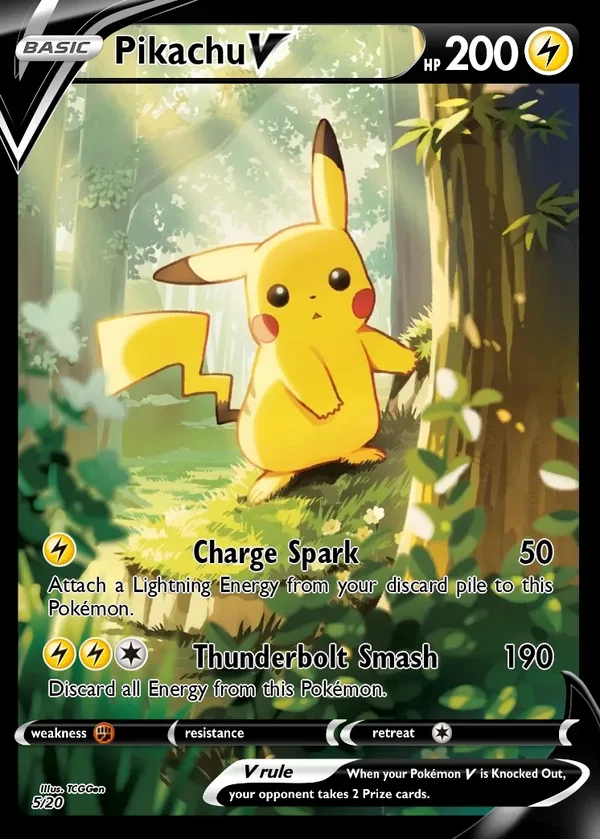
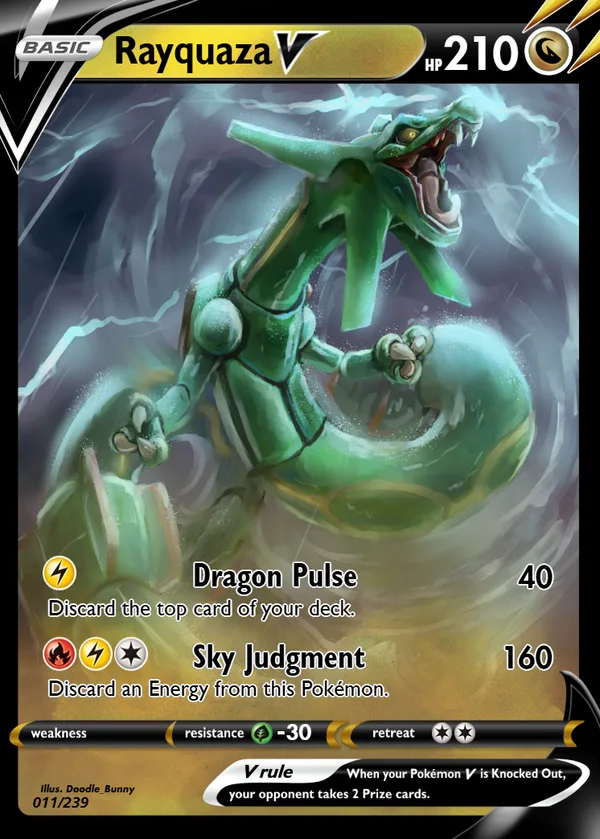
Compare the Basic badge, the two attack rows, and the rule strip on Gengar V, Pikachu V, and Rayquaza V. Notice where each illustration makes room for the attacks.
Gengar V · Pikachu V · Rayquaza V