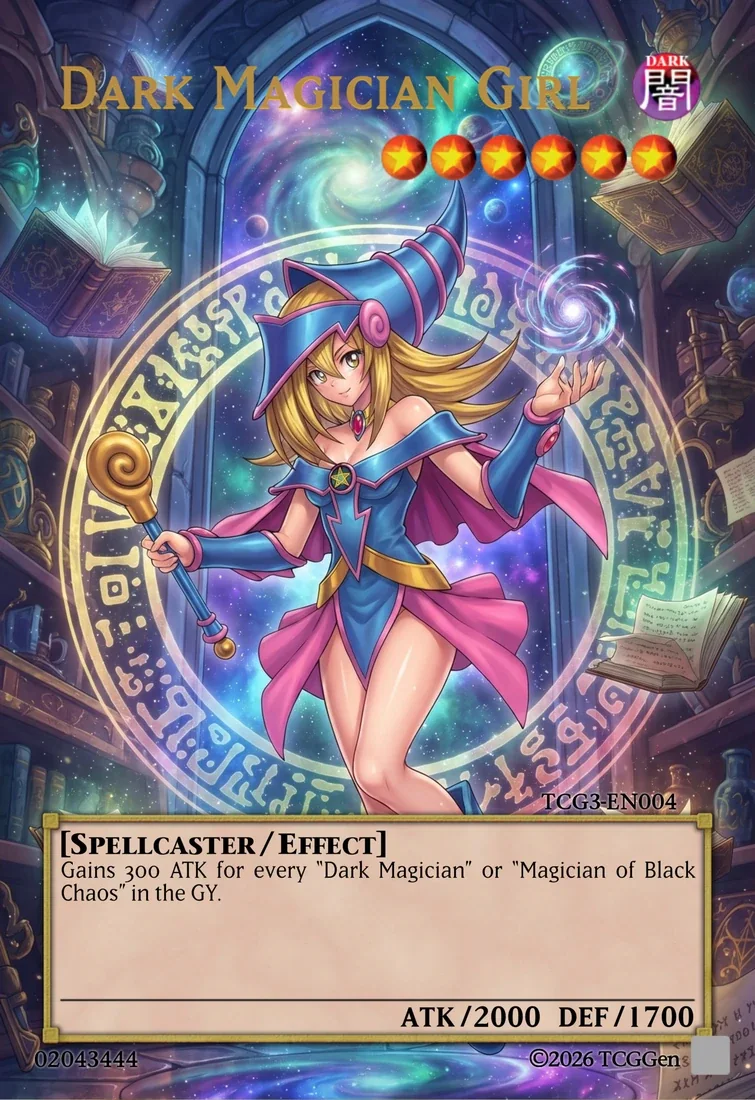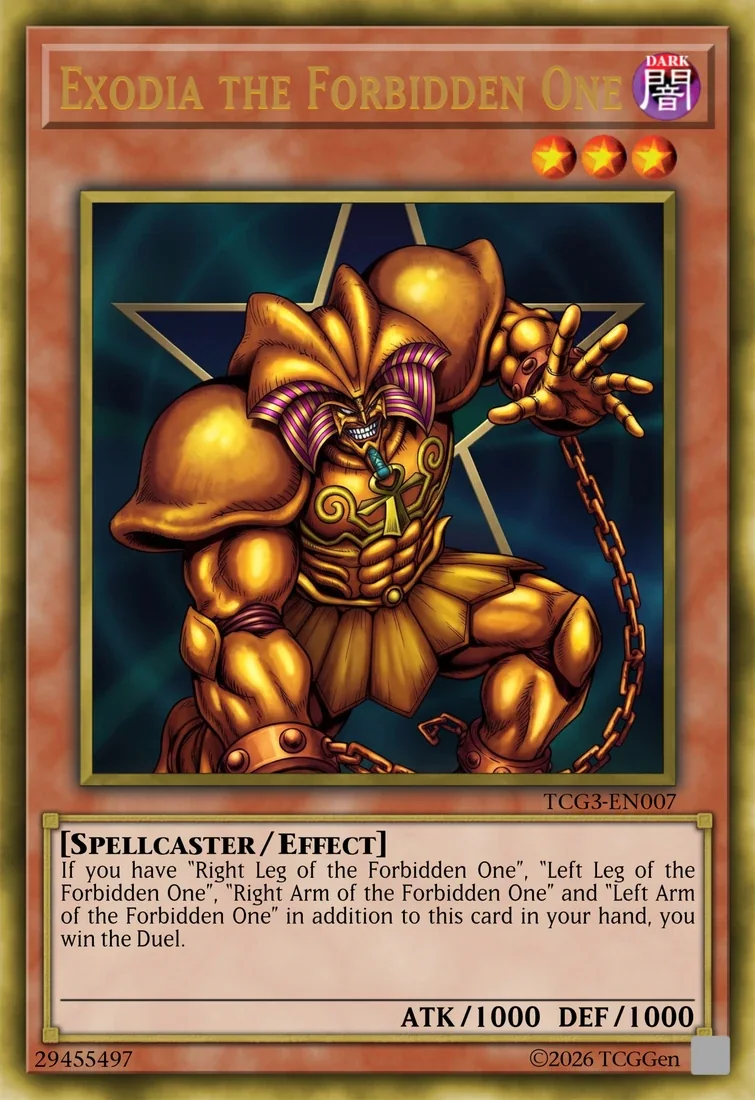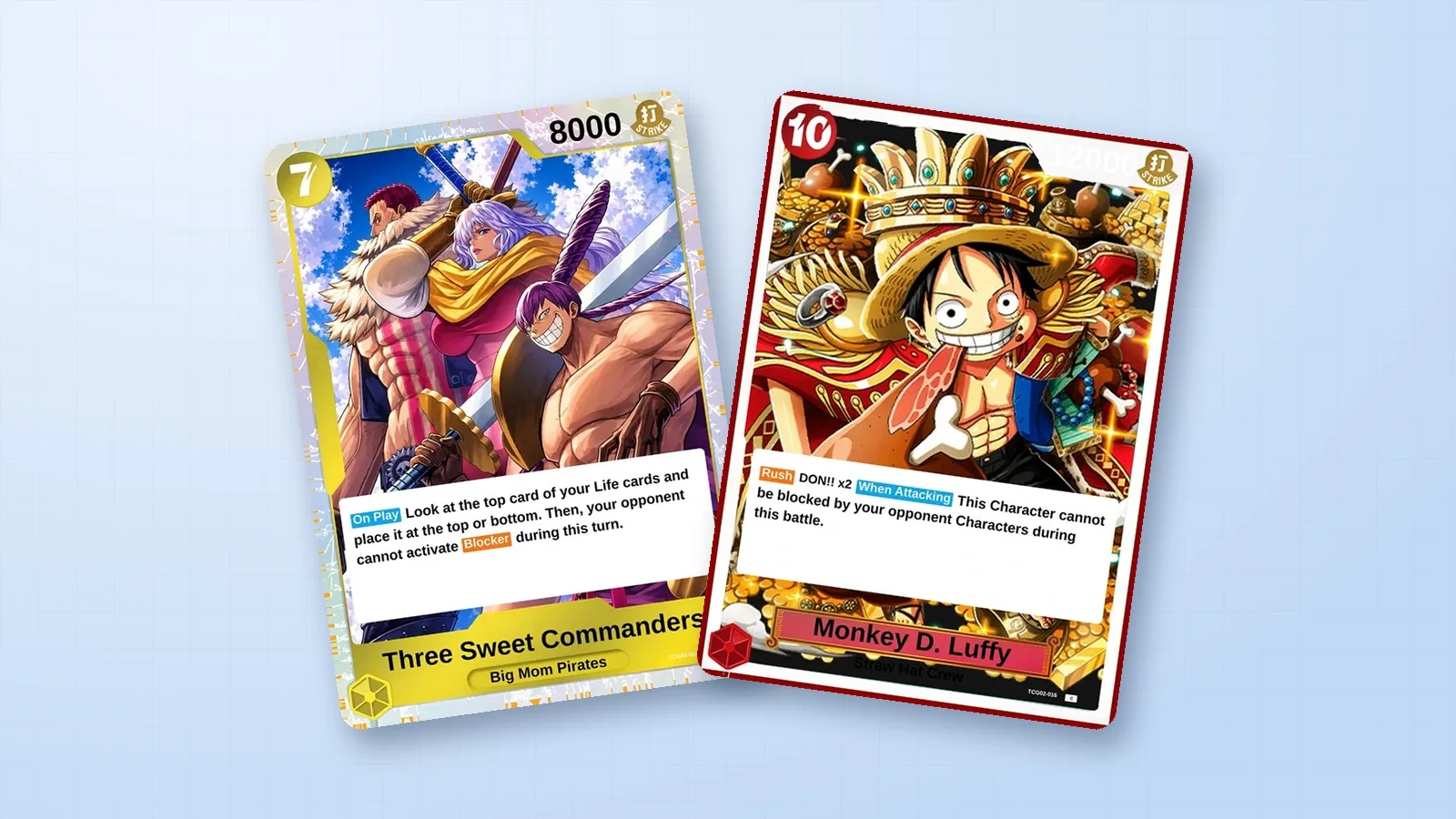
Start with one idea for the card you want to hold. It might be a favorite creature in a new style, a monster for a custom archetype, or a gift that makes a friend laugh. The TCGGen Yu-Gi-Oh! Card Maker lets you design that card in your browser and see it take shape as you work.
Choose a frame that fits the idea
Pick a Monster, Spell, or Trap first. If your idea calls for an Extra Deck monster, the maker also supports Fusion, Synchro, Xyz, and Link cards. Pendulum is an option when you want scales and separate space for the Pendulum effect. For a beginner design, a Normal Monster is a good way to practice matching the name, picture, and flavor text.
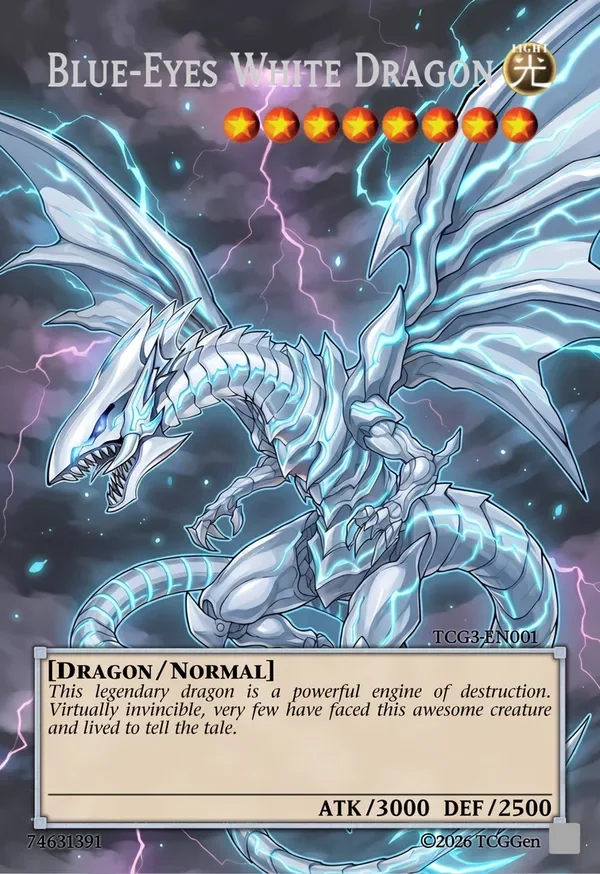
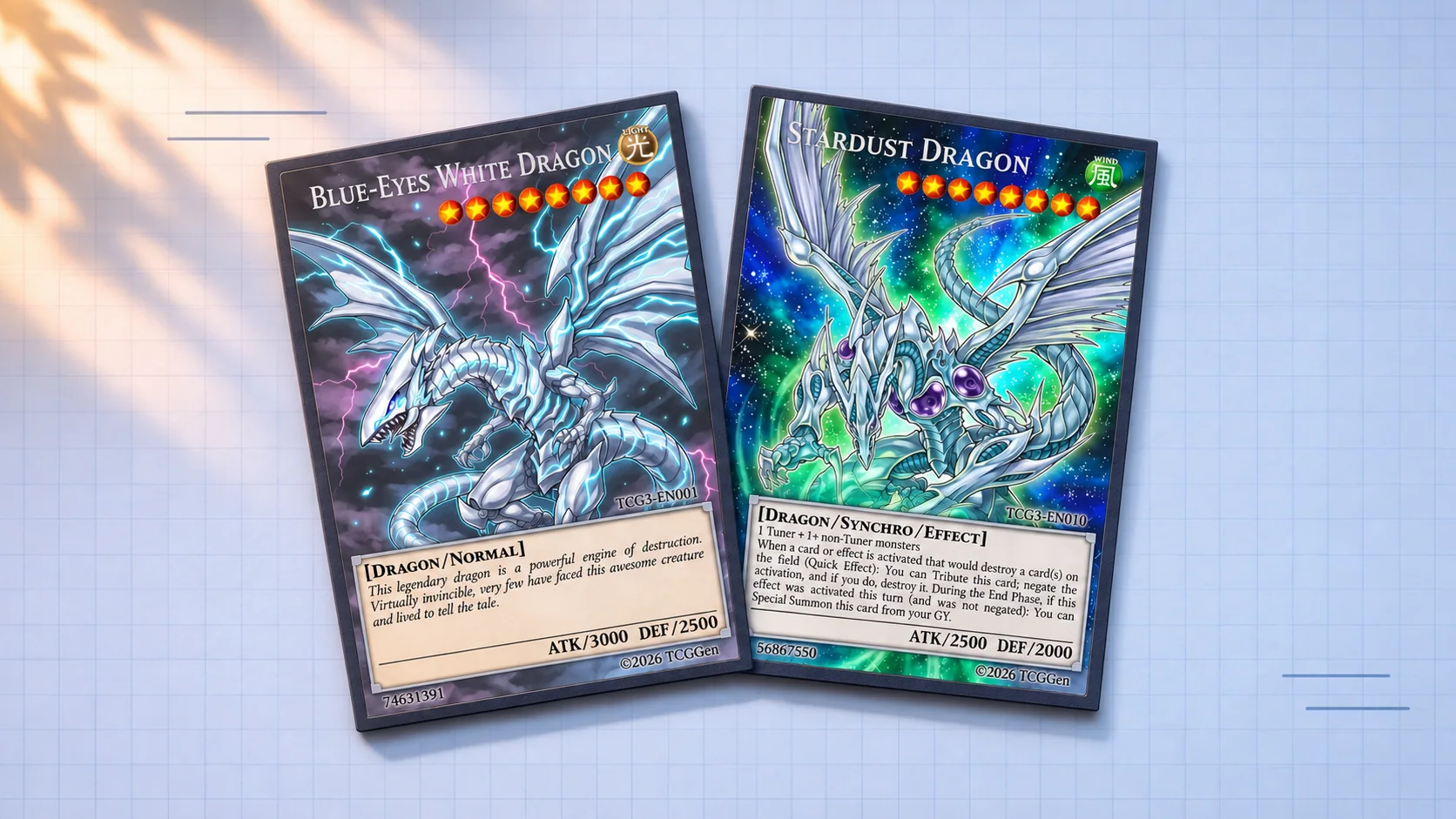
The Yu-Gi-Oh! community library is a useful place to compare layouts. Blue-Eyes White Dragon shows how a short description leaves the artwork room to stand out on a Normal Monster.
Give your monster one clear job
Try an original idea called Archive Moth, a small monster that retrieves a spent Spell. A first draft might read: “Once per turn: You can discard 1 card, then target 1 Spell in your GY; add it to your hand.” A moth carrying a scrap of parchment gives the effect a visual cue. Set the Attribute, Level, and ATK/DEF to fit the monster you have in mind.
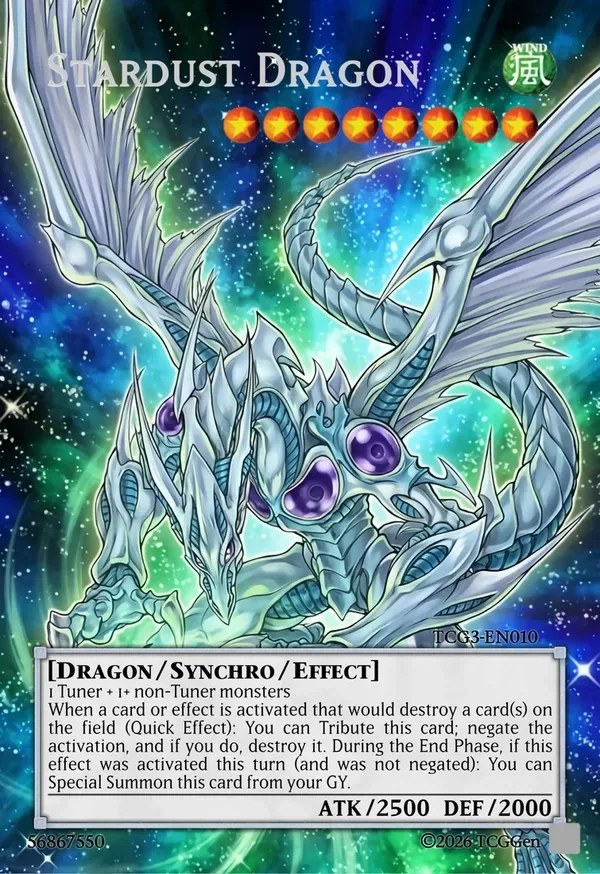
For a more complex layout, look at Stardust Dragon in the library. Its Synchro materials sit above its effect text. Keeping each piece of information in the expected place helps a reader scan the card.
Check the artwork and text at card size
Upload your artwork and use the live preview to see how it sits behind the name, icons, and text box. Leave space around the important details, then read the effect aloud. Can someone tell when it happens, what they have to give up, and what they get? Check the TCGGen tutorials if you need help with any step.
Download it free or order a printed copy
Download a high-resolution image for free, with no account or watermark. Check the smallest text at 59 × 86 mm, the size TCGGen uses for printed Yu-Gi-Oh! cards. If you want to edit the design later, a free TCGGen account can save the card.
For printing, choose Standard, Black Core, or Holo Foil, then pick a card back or upload your own. You can order one copy to see how the design looks and feels in hand. See the printing options.