Decide what your creature should do on the turn you draw it. A sturdy blocker can help a deck reach its later turns, while a creature that strengthens an ally is more useful when you already have a board. Pick one job and build the cost, stats and ability around that job.
Set the cost, body and ability together
Choose a creature layout in the TCGGen Magic Card Maker. Enter a name, mana cost, creature types, power and toughness. For an original card called Marshpath Guide, try a 2/3 for two generic and one green mana with the type line Creature — Elf Scout. Start with one ability: “When this creature enters, put a +1/+1 counter on another target creature you control.”
The word “another” gives the Guide a specific job. It helps an ally grow and can still block when it arrives by itself. A card that can put the counter on itself would have a different role in an empty battlefield. Decide whether your deck needs that flexibility before changing the wording.
Put it into a game on turn three
Play out two versions of turn three. In the first, you already control a 2/2 that can attack. Give it the counter and decide whether attacking as a 3/3 changes the turn. In the second, cast the Guide with an empty battlefield. The ability has no legal target, so the relevant question is whether you are happy to spend three mana on the 2/3 itself.
Use the illustration to show what the Guide does. A scout pointing out safe ground gives the scene a readable shape and connects to the ally the card improves. Check that the type line and power and toughness remain clear in the preview. For artwork and export steps, use the general Magic maker guide.
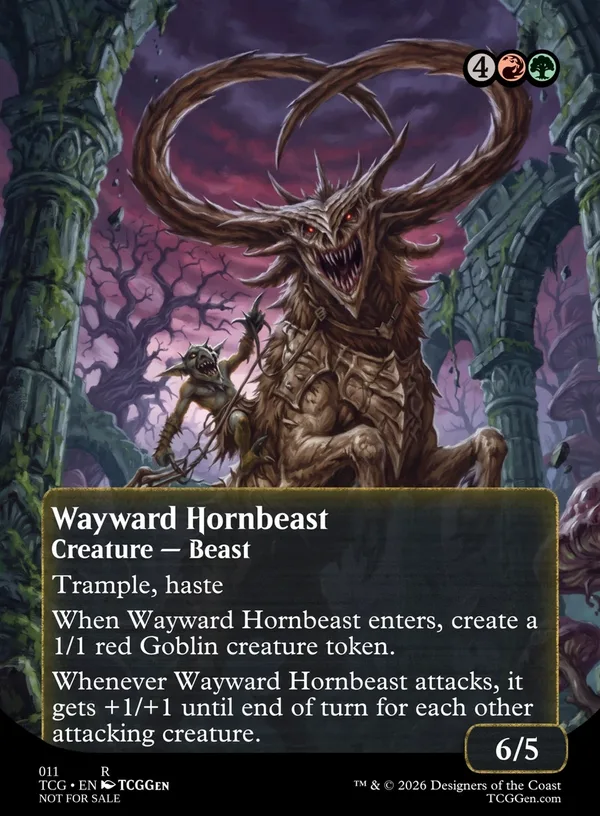
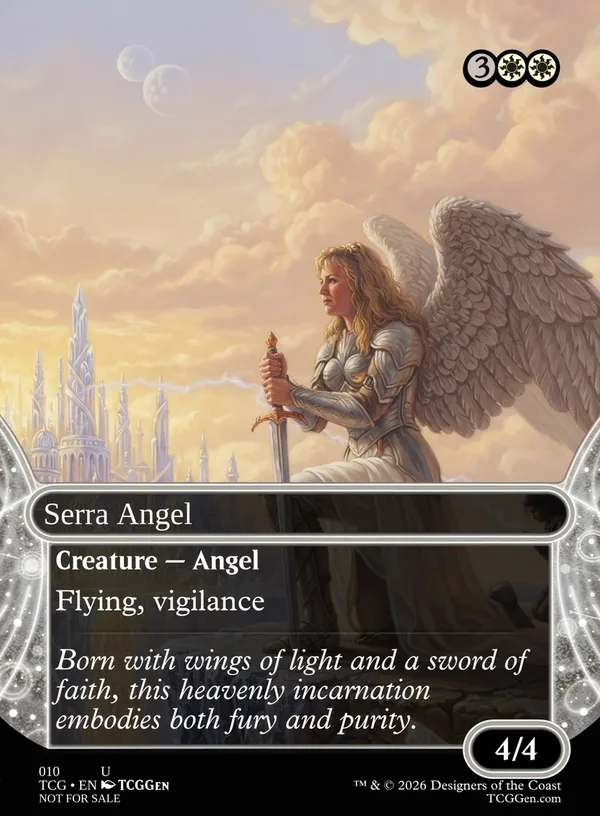
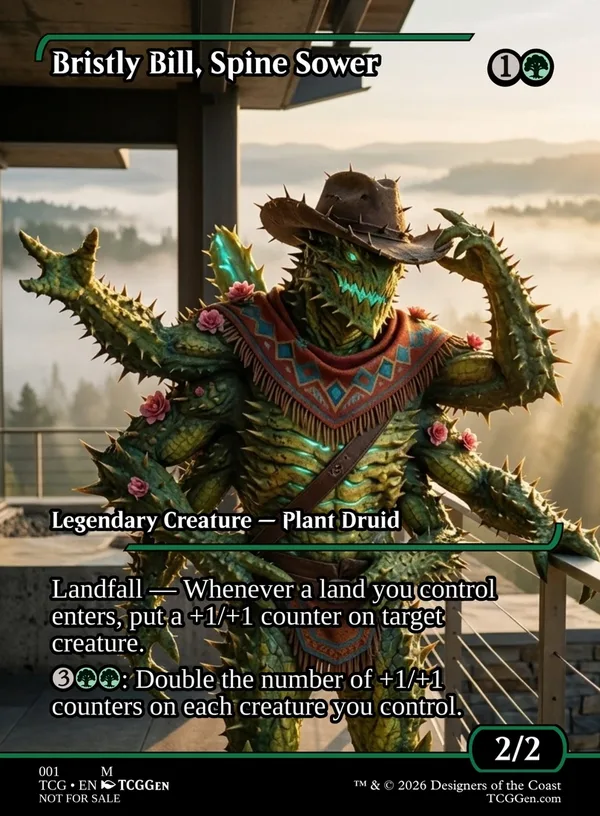
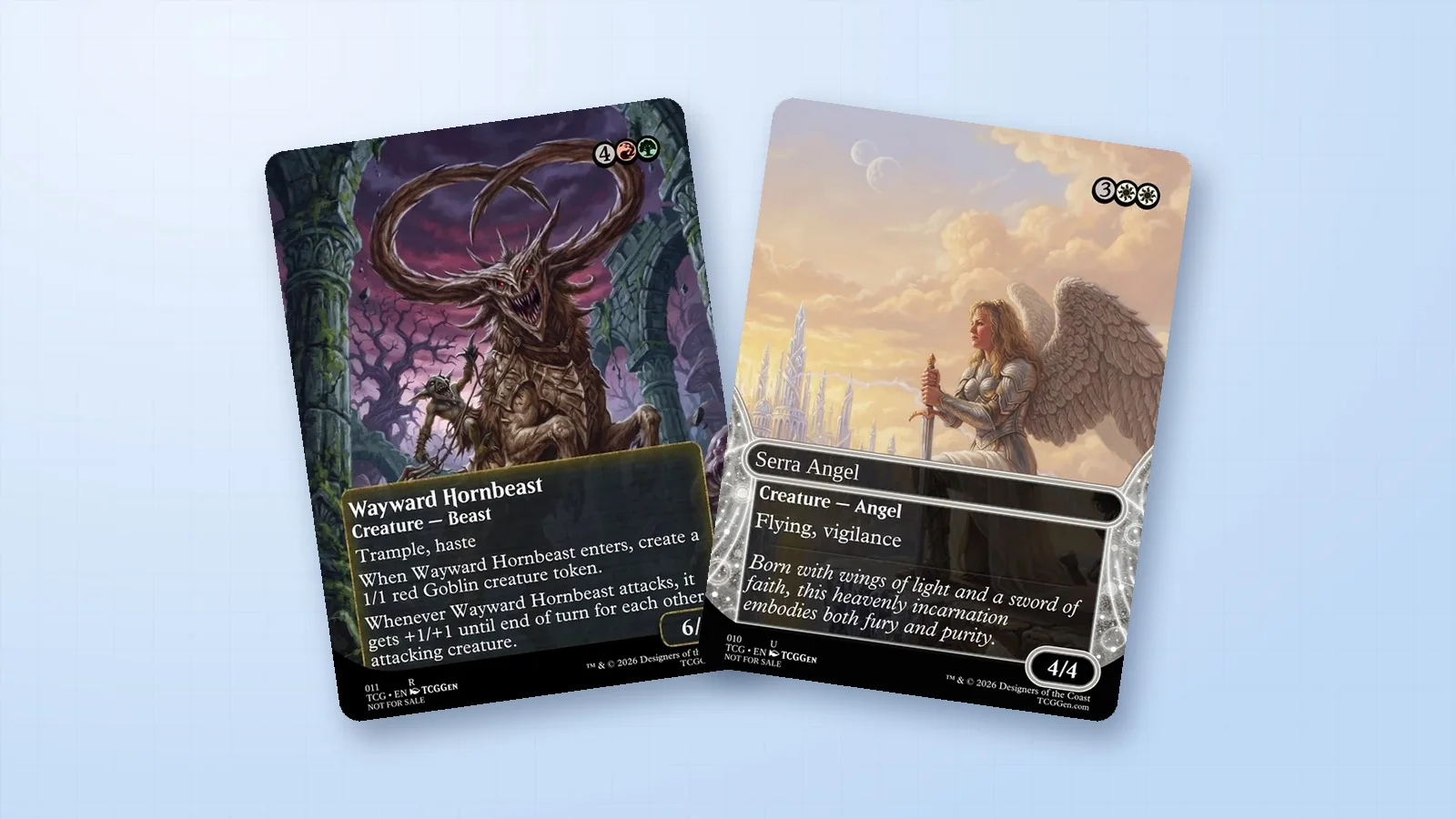
Wayward Hornbeast · Serra Angel · Bristly Bill, Spine Sower