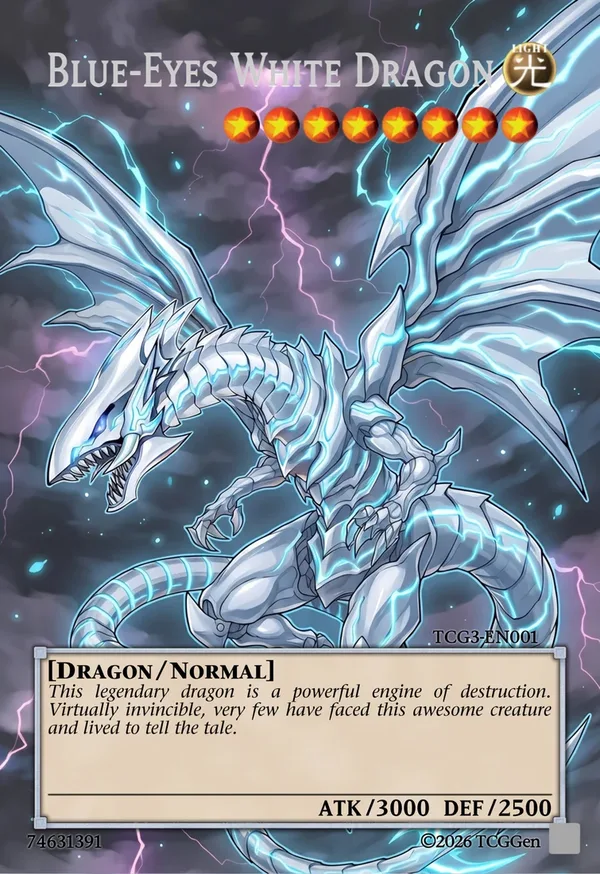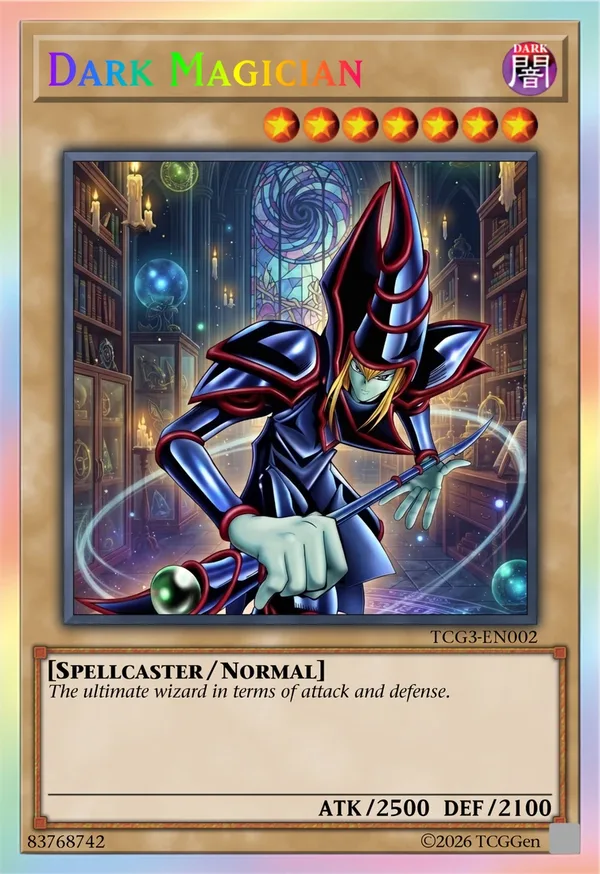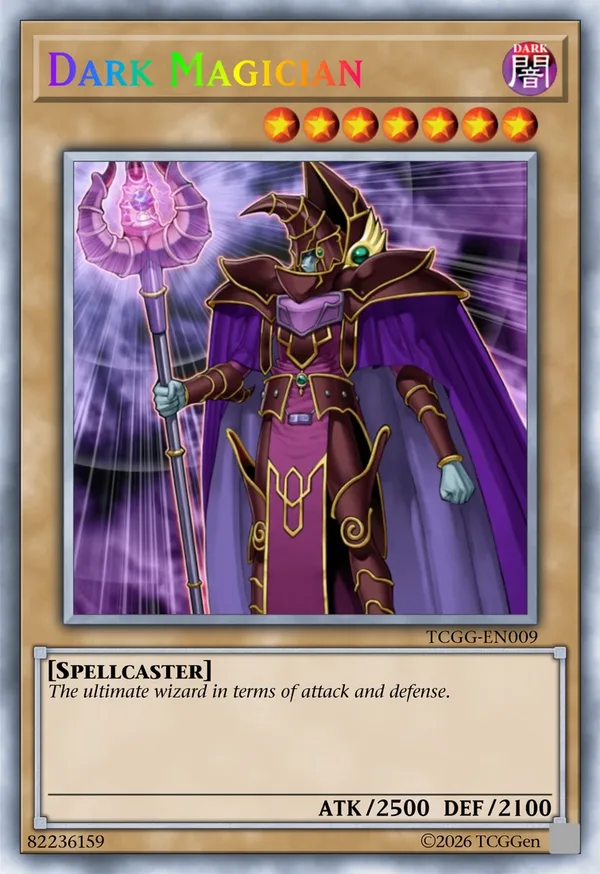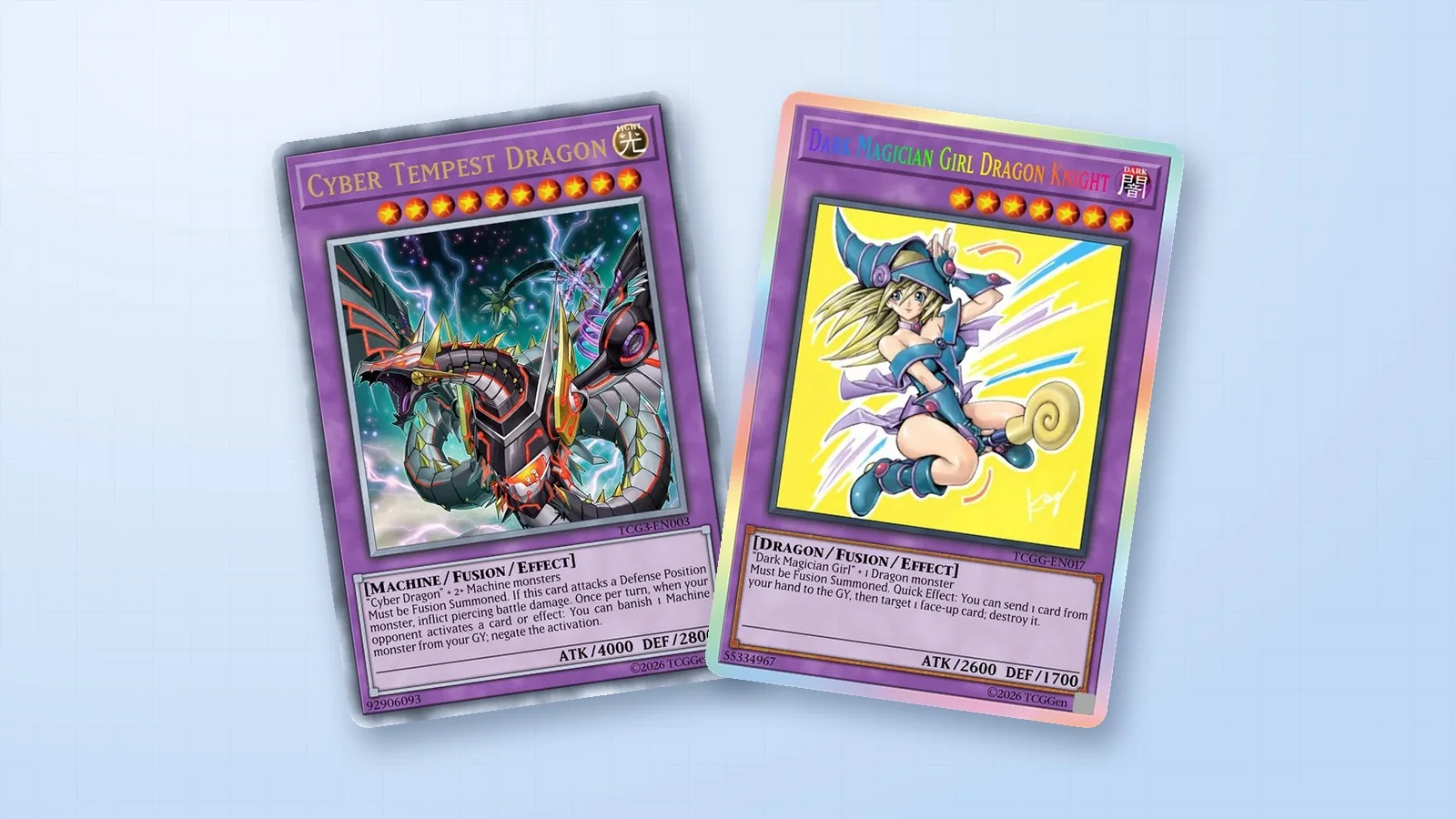
A Normal Monster gets its role from choices a player can see at a glance. A Level 4 Warrior with high DEF can hold the field, while a different Attribute or Type might make it useful with a specific support card. Pick one job before you write the description. That choice gives you a starting point for every number on the card.
Match the Level and stats to the role
Select the yellow Normal Monster frame in the TCGGen Yu-Gi-Oh! Card Maker. Enter the name, Attribute, Level, monster Type, ATK and DEF. For Siltwatch Guard, try a Level 4 EARTH Warrior with 1400 ATK and 1800 DEF. Its DEF makes it a better guard than attacker, and its Level lets it fit the standard Normal Summon without a Tribute.
Use the text box for a description. One line might read, “When the river swallowed the road, she carried the mile markers uphill and stood watch over the new crossing.” Give the reader one detail they can picture. The same scene also tells you what the image needs to show.
Test the card alongside its support
Place the Guard next to two monsters at a similar Level. Ask where its stats make a difference and whether EARTH or Warrior support would give a player a reason to pick it. Try a hand where you draw the Guard and no support cards. If it has a clear play in that hand, you have a useful starting point for a small theme deck.
Keep the subject easy to identify within the art window. Review the stars, Attribute and ATK and DEF at the size of a real card. Read the description aloud once to check whether the sentence flows. For artwork setup and exporting, follow the general Yu-Gi-Oh! card maker guide.
Blue-Eyes White Dragon · Dark Magician (Arcane Library) · Dark Magician