Think of a turn where you would want to draw your Spell Card. A card you play once to change your battle plan fits the Normal Spell subtype. A Spell designed to stay on the field and keep working calls for a different subtype, such as Continuous or Field. Pick the timing your effect needs before you settle on the name and artwork.
Choose the subtype in the maker
Open the TCGGen Yu-Gi-Oh! Card Maker and select the green Spell frame. Choose the subtype, then check that the Spell heading and the subtype icon, where relevant, match the effect. The Normal Spell is a good place to start for a one-time action.
For an original Normal Spell called Lantern Survey, try giving one face-up monster you control 500 ATK until the end of this turn. Say who controls the target, what changes and when the change expires. Compare the effect with a board that contains two eligible monsters. Does the person reading your card know which player chooses the target and when? Put that information in the text before writing an additional effect.
Run through an empty board and a close battle
Test the card once when you control an eligible monster and once when you don't. On the first board, see whether the 500 ATK changes a battle a player would choose to take. On the second, confirm that a player can tell why they can't activate it. If you decide the Spell should work in more situations, change the conditions and run both tests again before increasing the ATK bonus.
Crop the art around the action the Spell represents. A lantern lighting a single scout makes the effect easier to picture. Zoom out and check the title, Spell heading and text together at card size. For image preparation and export, see the general Yu-Gi-Oh! card maker guide.
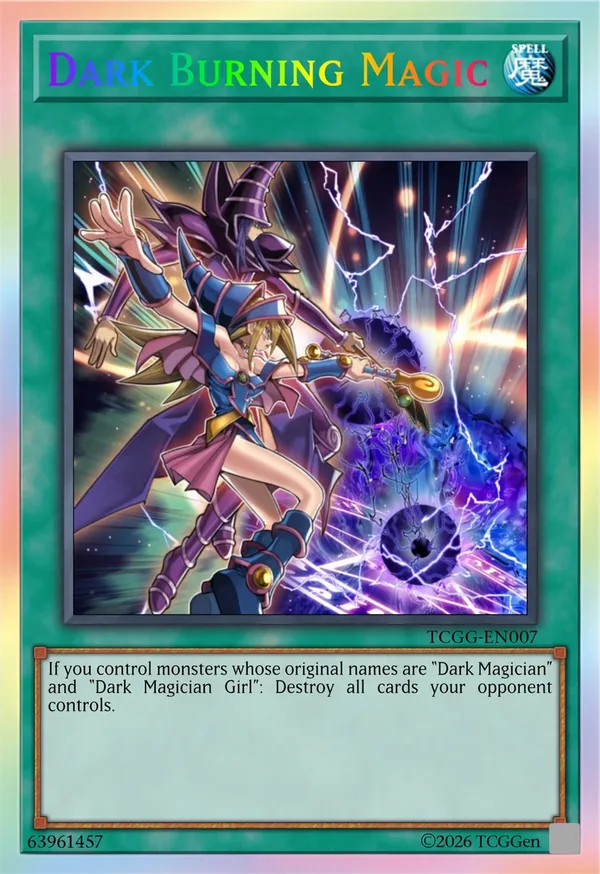
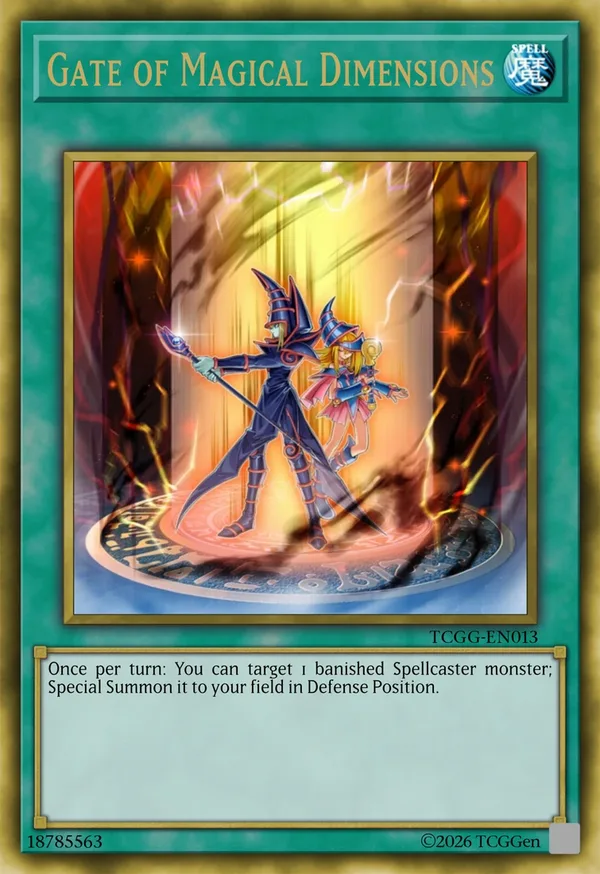
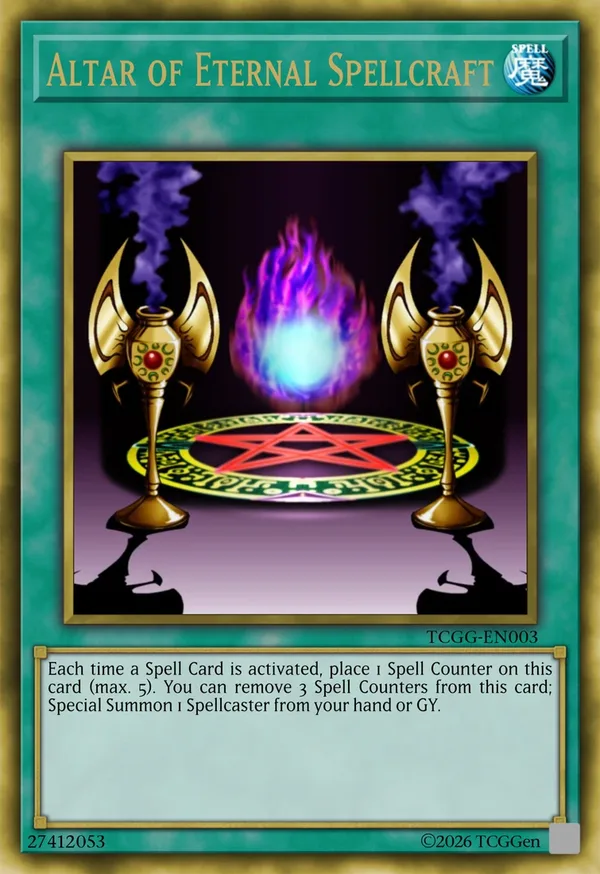
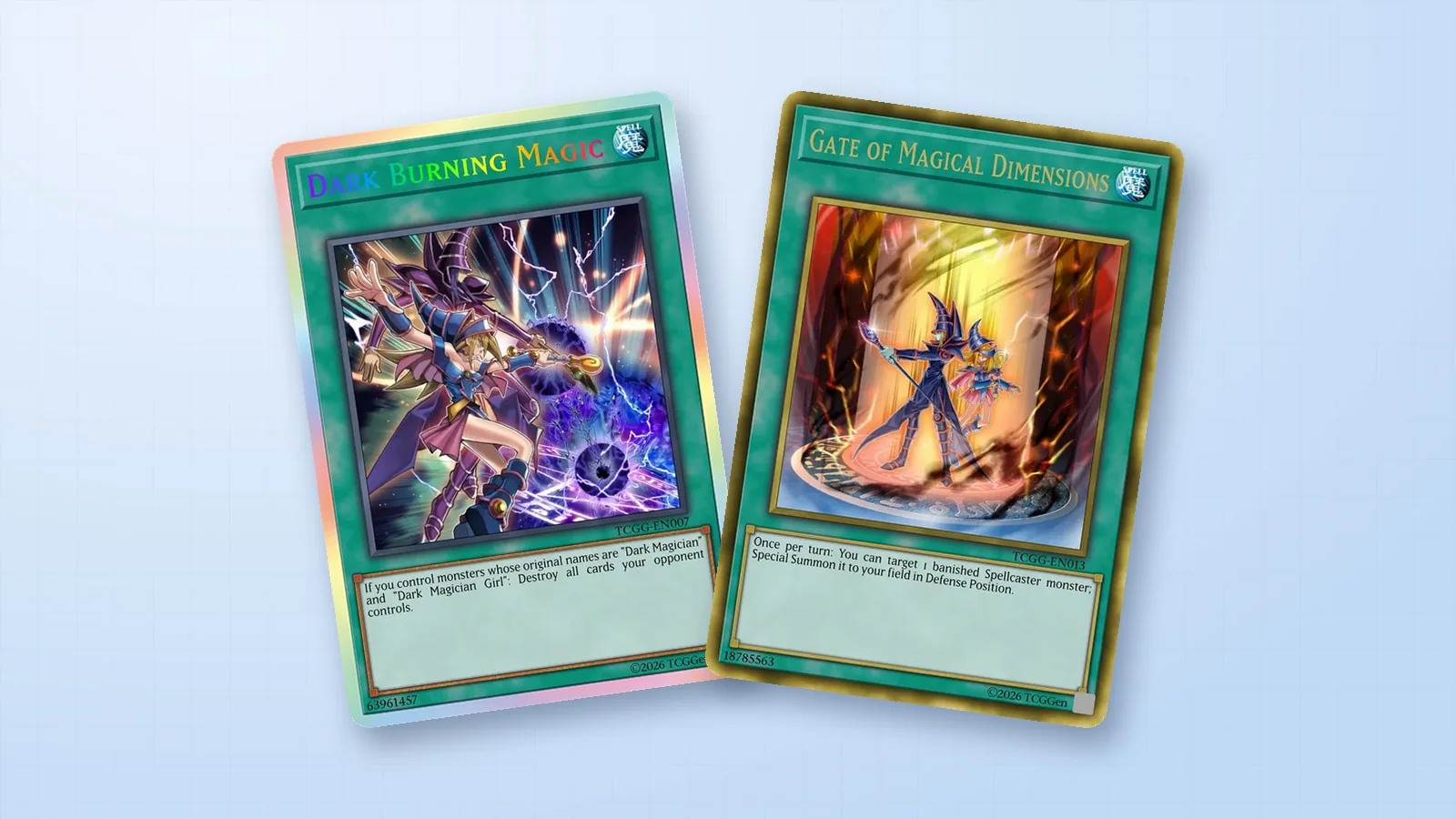
Dark Burning Magic · Gate of Magical Dimensions · Altar of Eternal Spellcraft