A full art Character card gives the illustration space to carry the scene across the card. Start with one recognizable shape: the edge of a hand, the turn of a coat or the outline of a face in a burst of light. That shape needs to hold up in the Library thumbnail as well as at full size. Start with the Character card type as you build an SP Full Art design. TCGGen One Piece Card Maker
Compose for the whole card
Upload art with extra scene around the subject so you can shift the crop. Keep the most important detail inside the central area and use the edges for scenery, motion or color. For a character leaping from a ship, try keeping the face and leading shoulder together while the mast or wake carries the eye toward the edges. Review the vertical crop before committing to an elaborate background.
Plan space for the Character details
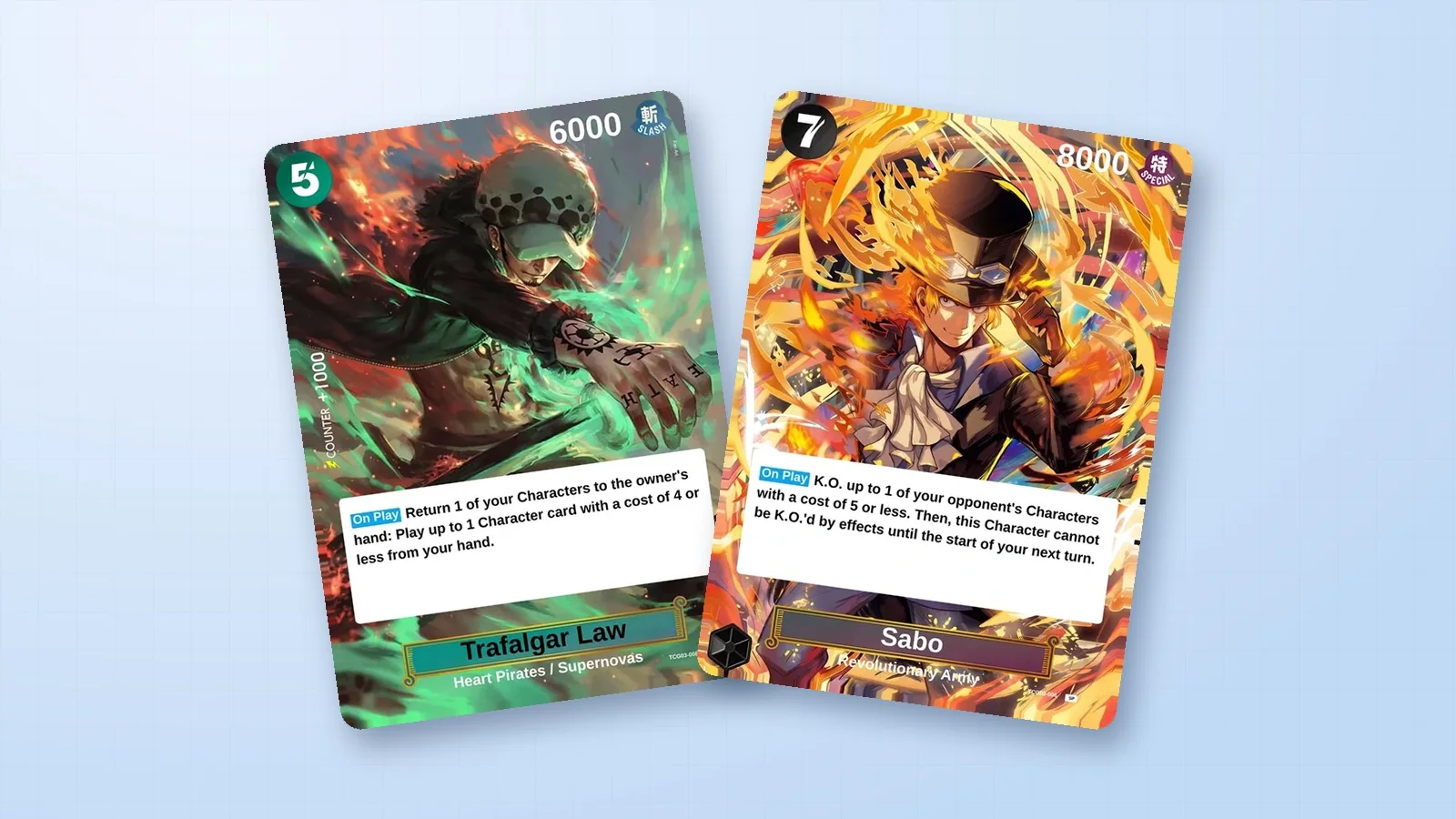
Add cost, power, counter, attribute and the effect. Look at where the name and rules text sit over the composition. An area of steady tone behind a label makes the difference between a quick read and a search for individual letters. If a burst of light crosses a name or value, try a small change in the crop first. Proof the result at card size and at thumbnail size.
Compare three approaches
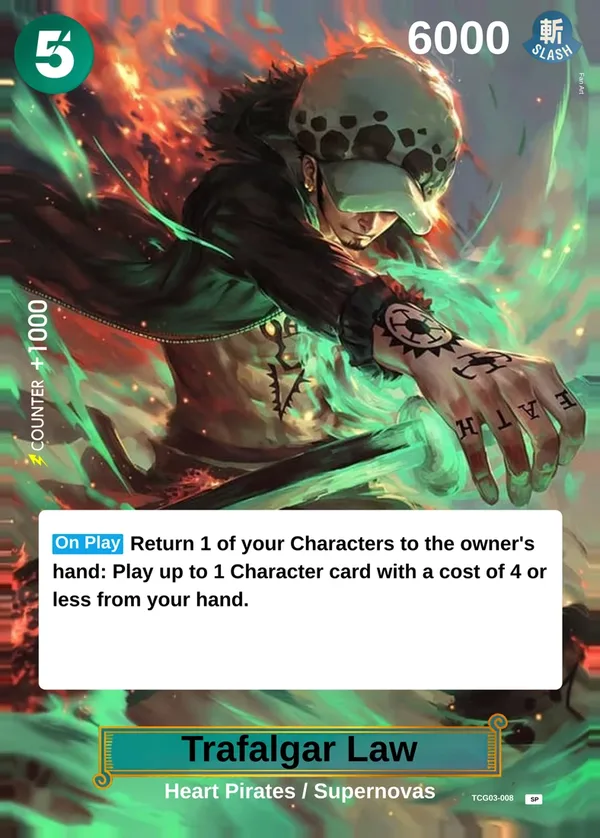
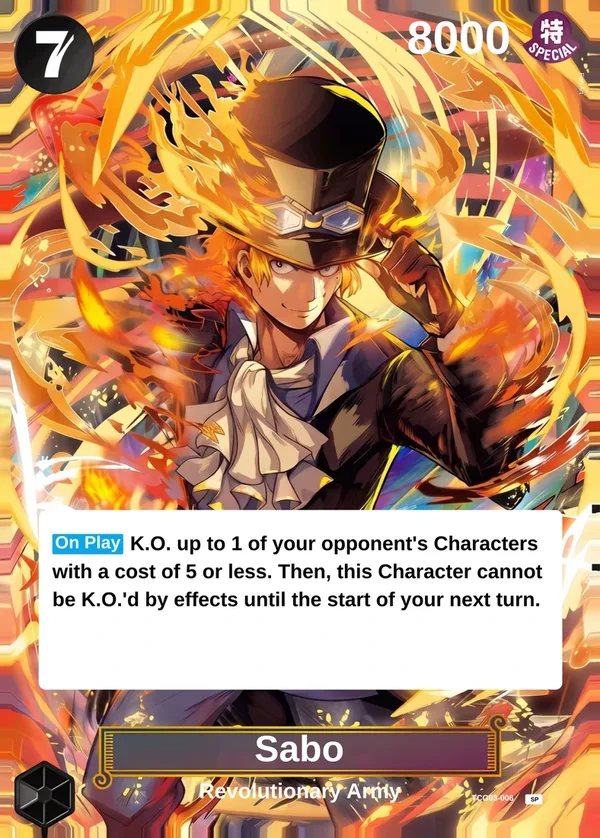
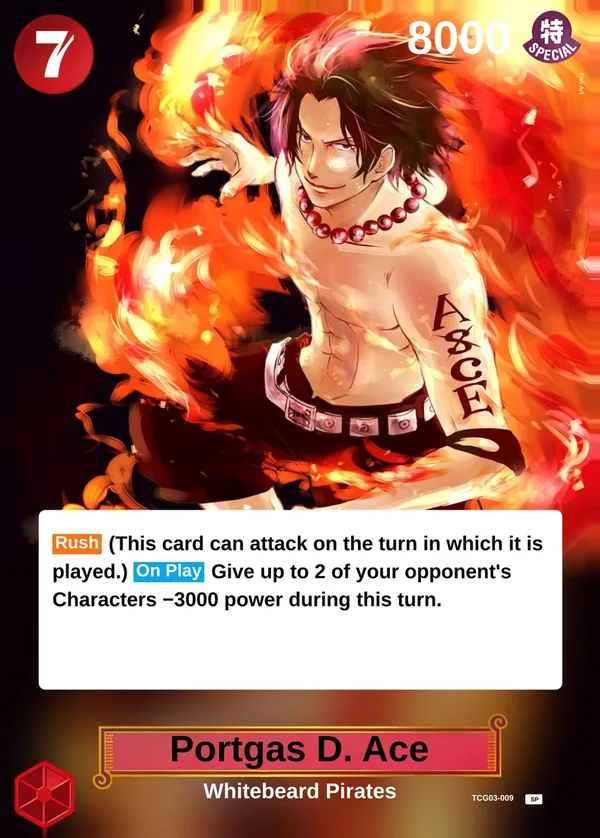
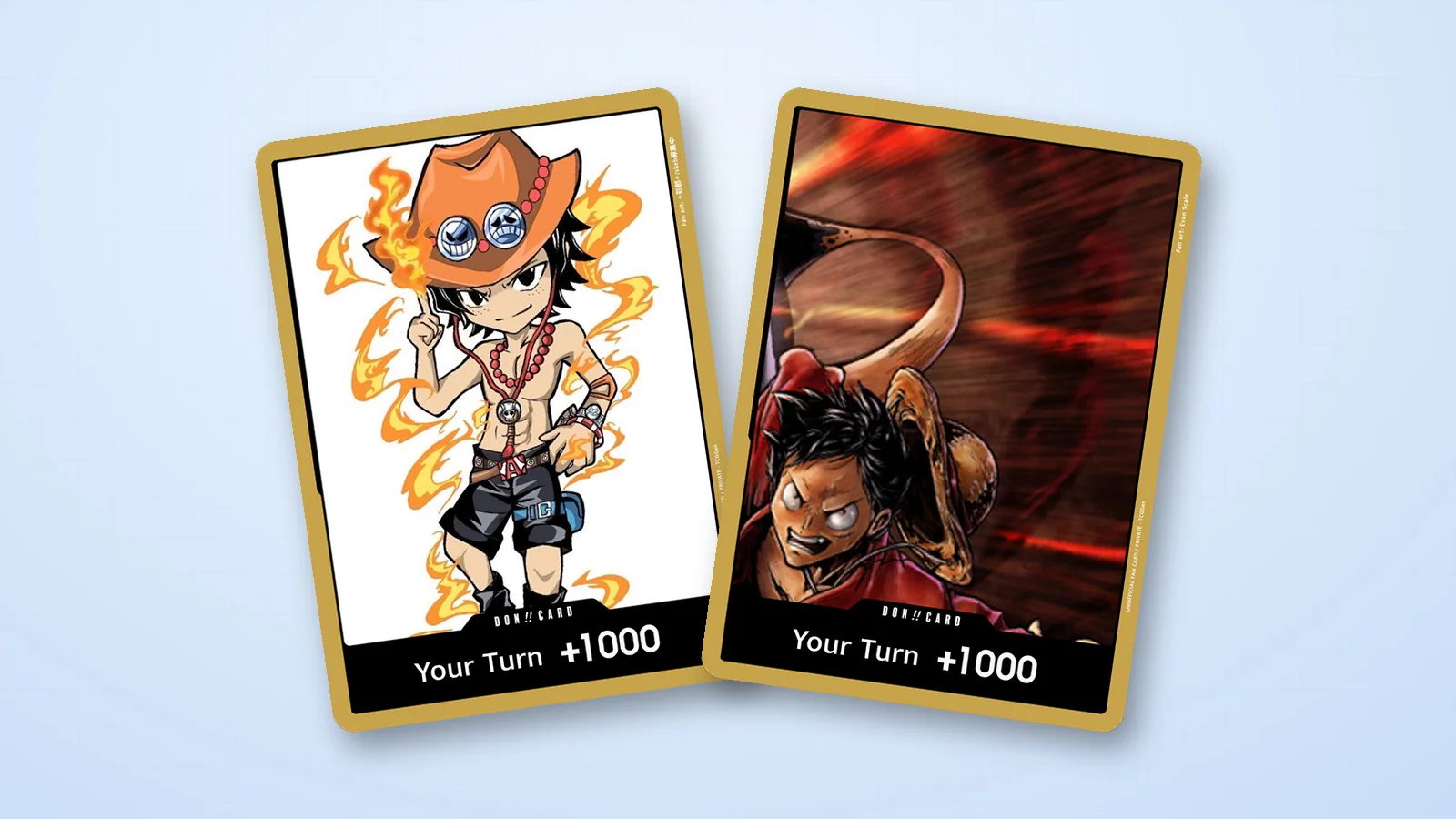
Trafalgar Law (ROOM), Sabo (Flame Emperor) and Portgas D. Ace (Fire Fist) show how different subjects and effects can fill more of the frame. Pick a card in the gallery and note where your eyes land. Then look for the quieter patch in the same composition that helps the card information read. Keep that balance when you export your own design. The download and print workflow is covered in the One Piece Card Maker guide.
Trafalgar Law (ROOM) · Sabo (Flame Emperor) · Portgas D. Ace (Fire Fist)